.png)
ePrescribe: NEW Interface!
PracticeQ has made it easier than ever to use ePrescribe!
You can now access ScriptSure with fewer clicks!
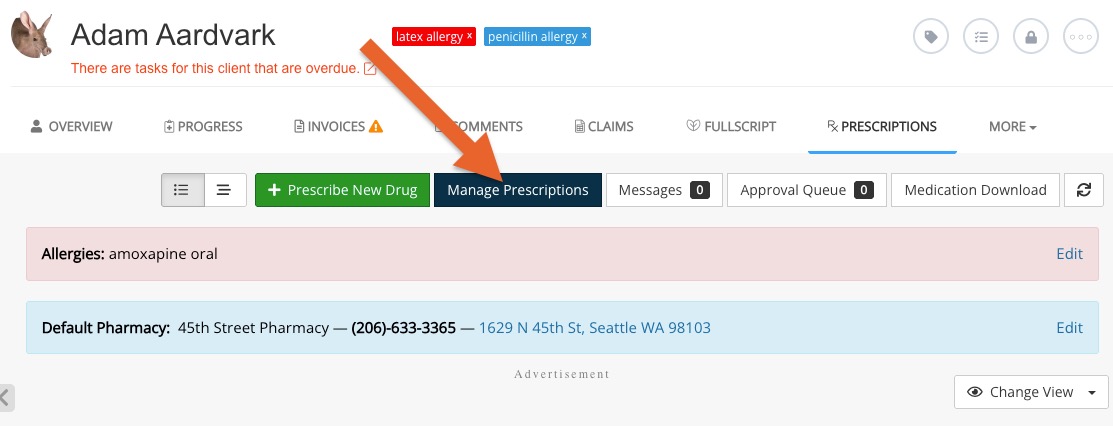
Old Process:
- Click Lists → Clients and open the client's profile.
- Select the Prescriptions tab.
- Click Manage Prescriptions.
- ScriptSure interface opens.
New Process:
- Click Lists → Clients and open the client's profile.
- Select the Prescriptions tab.
- ScriptSure interface opens.
That's right - clicking the Prescriptions tab will now take you directly to the client's profile in ScriptSure! 
