ePrescribe: Invite a Supporting User for EPCS Approval (Solo Practitioners)
Are you a solo practitioner who prescribes controlled substances? Use the instructions below to invite a Supporting User who is not in your PracticeQ system.
Click More → ePrescribe.
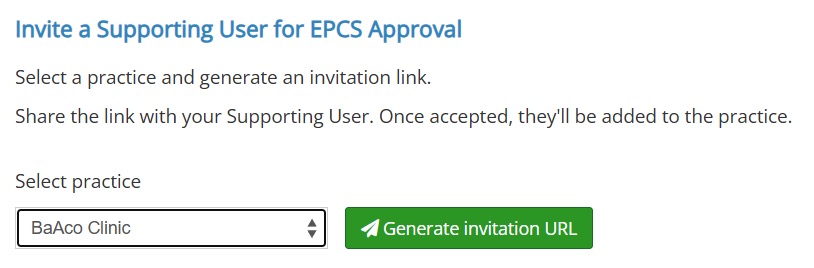
Scroll down to the Invite a Supporting User for EPCS Approval heading.
Select the practice to which to add the supporting user.
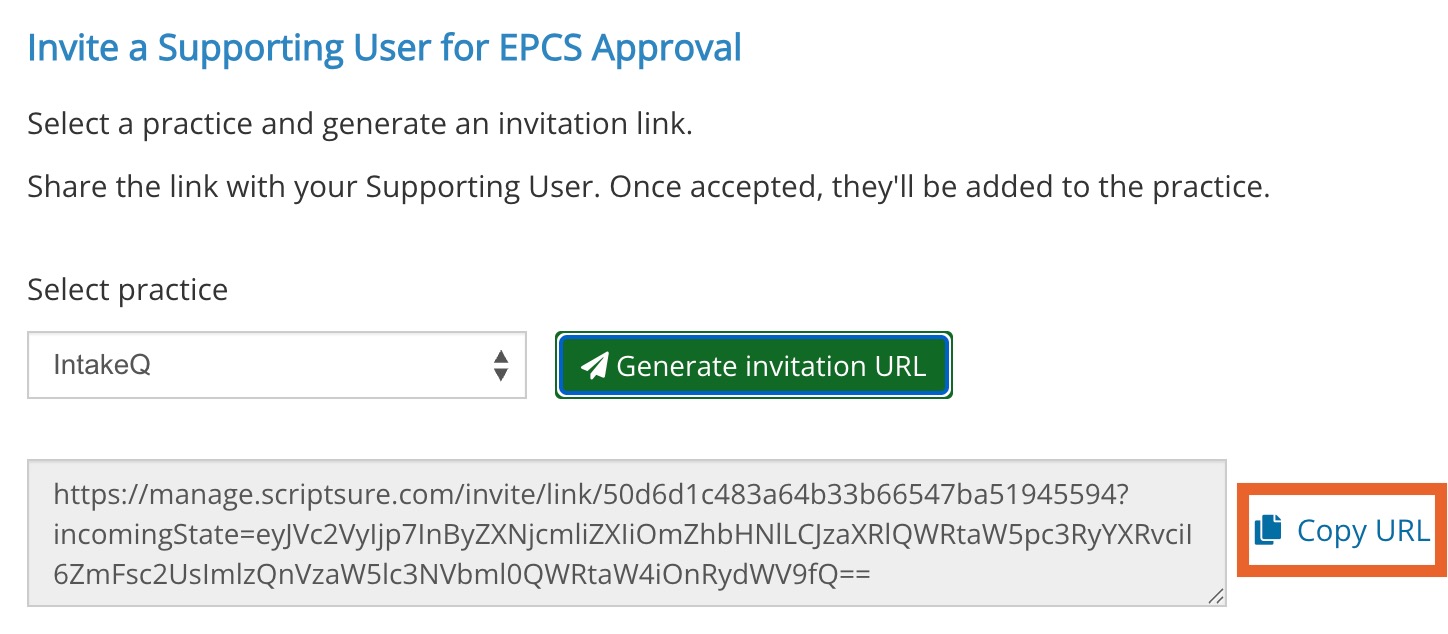
Click the Generate Invitation URL button.
The link will generate below. Click Copy URL.
Paste the URL in the email you send to your Supporting User.
.png)