.png)
Optional Setting: Automatic Client Sharing via Appointment
Automatic client sharing when scheduling appointments is disabled by default in PracticeQ, but you may have this setting enabled if you wish.
At times you may receive the error Invalid Member ID when trying to schedule clients. To learn more about this error, click here.
Behavior when Automatic Client Sharing is Disabled (by default)
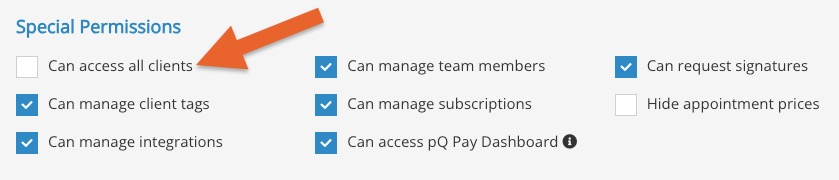
- A client books an appointment in the booking widget with a practitioner who does not have the Can access all clients permission enabled.
- PracticeQ creates a new client profile under the practitioner, therefore creating a duplicate file for the client.
Behavior when Automatic Client Sharing is Enabled (by request)
- A client books an appointment in the booking widget with a practitioner who does not have the Can access all clients permission enabled.
- PracticeQ will not create a duplicate client profile under the practitioner; instead, it will automatically grant the practitioner access to the client.
Note: The behavior above only comes into play when a client schedules their own appointment on the booking widget. It does not apply when staff books appointments manually.