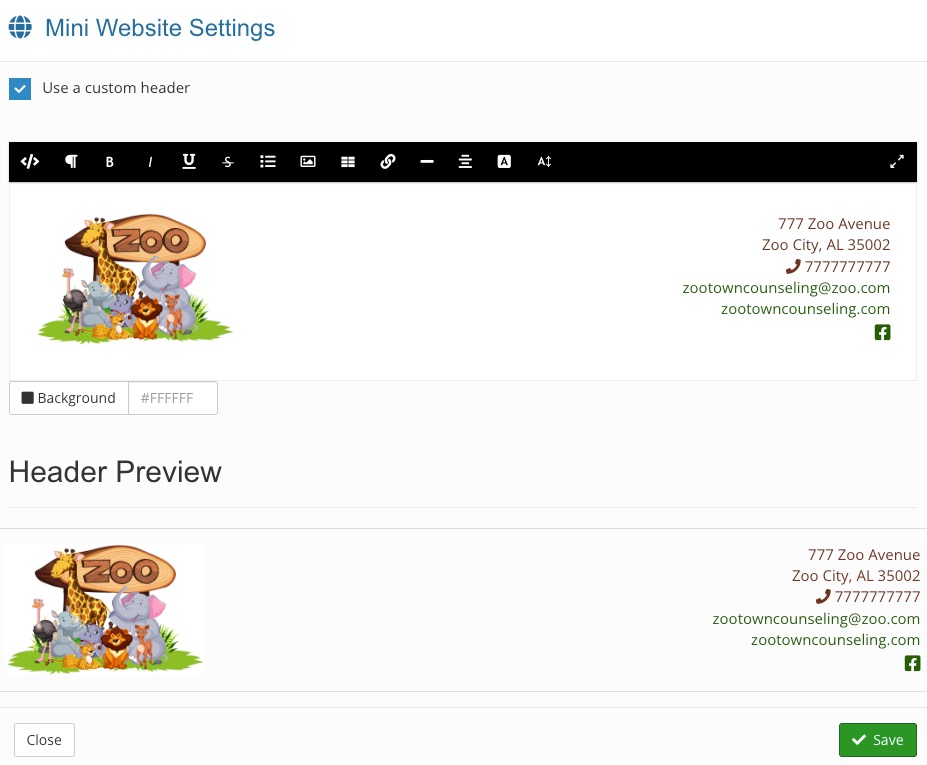
.png)
Customize Your Mini-Website
Apply your custom form header to your booking widget in a few easy steps!
If you have yet created a custom form header, follow the instructions here: Add a Custom Header to Your Questionnaires.
Retrieve the HTML code from your header settings
- Click More → Settings.
- You will land in the Form Header tab by default.
- Click the HTML icon in the toolbar.
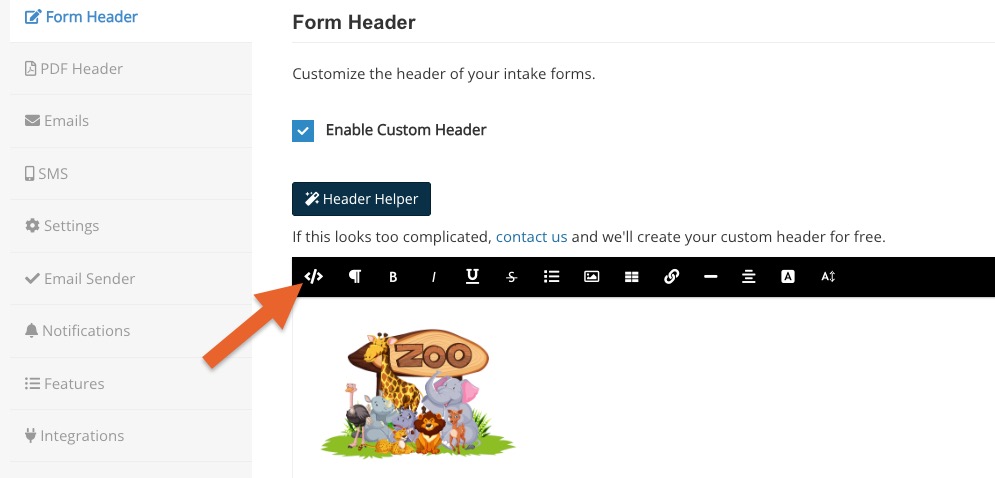
- Place your cursor in the text field and click Command A (Mac) or Control A (PC) to select all the text.
- Copy the selected text.
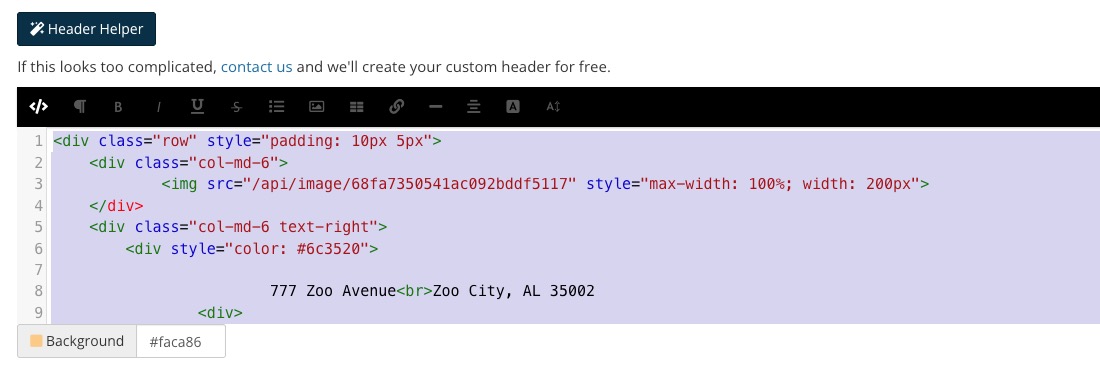
Paste the HTML code into your mini-website settings
- Click Bookings → Booking Settings.
- Select the Widget tab.
- Scroll down to the Customize your mini-website heading and click the click here link.
- Check the box labeled Use a custom header.
- Click the HTML icon in the toolbar.
- Place your cursor in the text field and click Command A (Mac) or Control A (PC).
- Paste the copied text.
- Click the HTML icon in the toolbar again.
- Review the Header Preview. If it looks correct, click Save.