.png)
View Your Billing History (Get a Receipt)
Easily view your PracticeQ billing history to print or save a receipt.
Note: In order to access subscription information, you must have the Can manage subscriptions permission checked off in the Special Permissions section.

- Click More → Subscription.
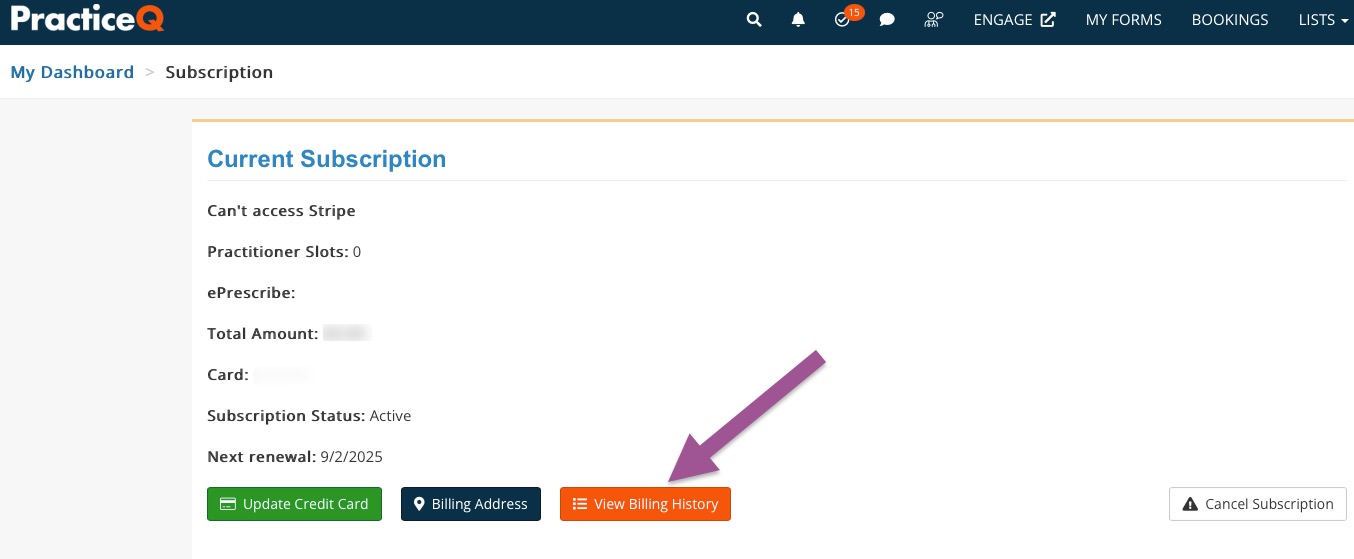
- Click View Billing History.