Batch Data for CSV Export (Line Item Limit)
When you export data from PracticeQ, you may exceed the line item limit. In this case, batch your data to successfully export all information.
Which exports have line item limits?
- Reports → Audit Trail = 20,000 line item limit
- Reports → Emails = 50,000 line item limit
- Lists → Intakes = 50,000 line item limit
- Lists → Notes = 50,000 line item limit
- SMS Report in More → Subscription = 50,000 line item limit
How can I tell if my report exceeds the limit?
- Enter your search filters, then run the report.
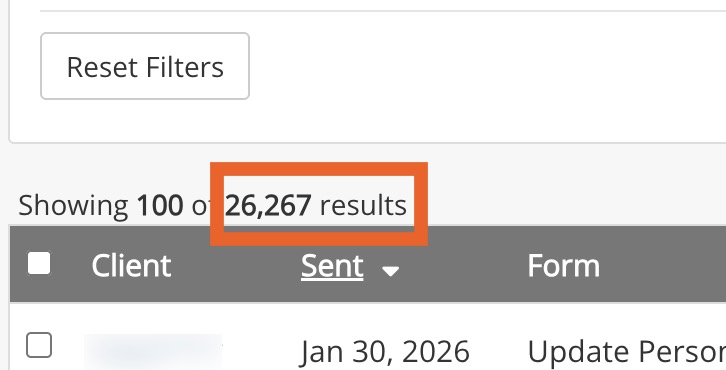
- Locate the heading that states Showing 100 of X results.
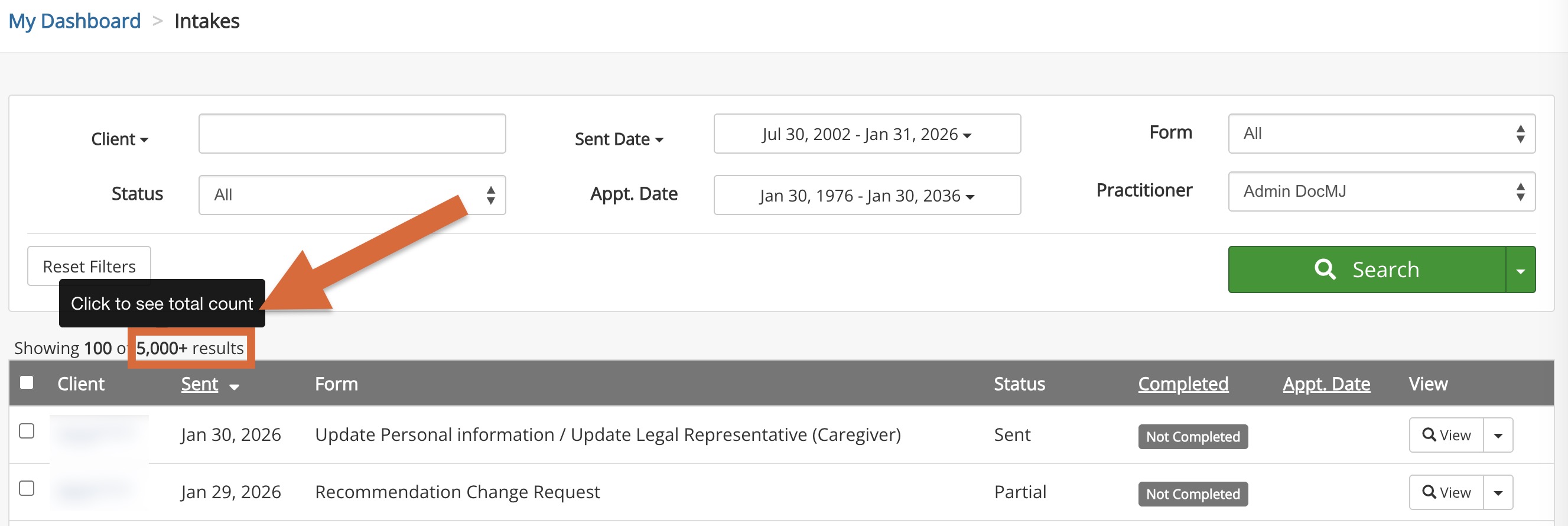
- If the X value exceeds the line item limit, click it to see the total.
- Plan your batching accordingly.
Suggestions to batch your data for export
- Enter a Date Range. Make the date ranges as small as needed to fit within the limit.
- Filter by User (this is particularly useful for Audit Trail exports)
- Filter by Status (For the Email export, you may filter by delivered, bounced, etc.)
No results found
.png)
