Follow the steps below to reset your IntakeQ/PracticeQ password.
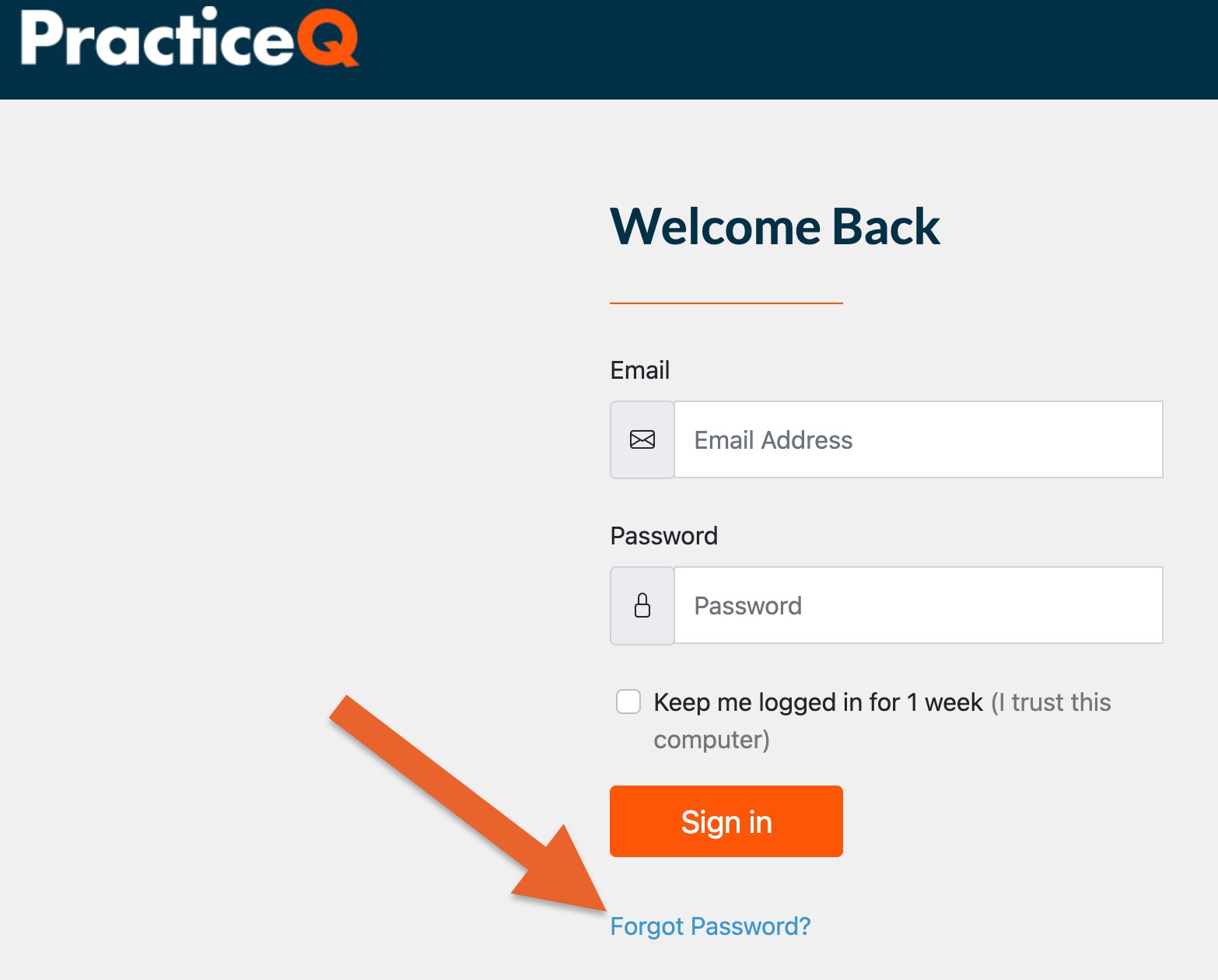
Click the Forgot Password? link from the login page.
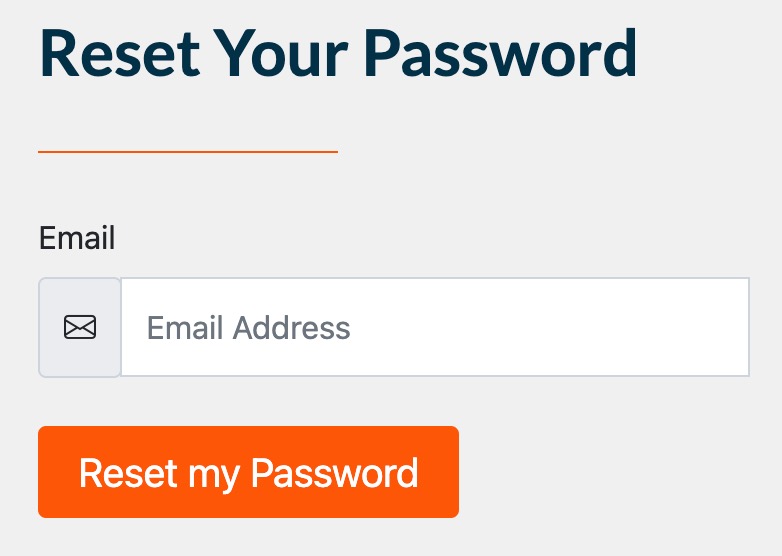
On the next page, click the Reset my Password button.
Your password reset email should send within 5 minutes.
If you do not receive the password reset email after 5 minutes, do not click the Reset my Password button again; instead, reach out to PracticeQ Support at hello@intakeq.com.
A Support Team member will assist you in the process.
.png)