.png)
Help a Client Reset Their Portal Password
Help a client reset their portal password in a few simple steps.
IMPORTANT: Ensure that the client will be able to immediately receive and use the reset link, as it will expire after 30 minutes. If they will not be able to reset their password within that time frame, plan a future date and time to send the link.
- Click the speech bubble icon in your PracticeQ toolbar to open the secure client portal.
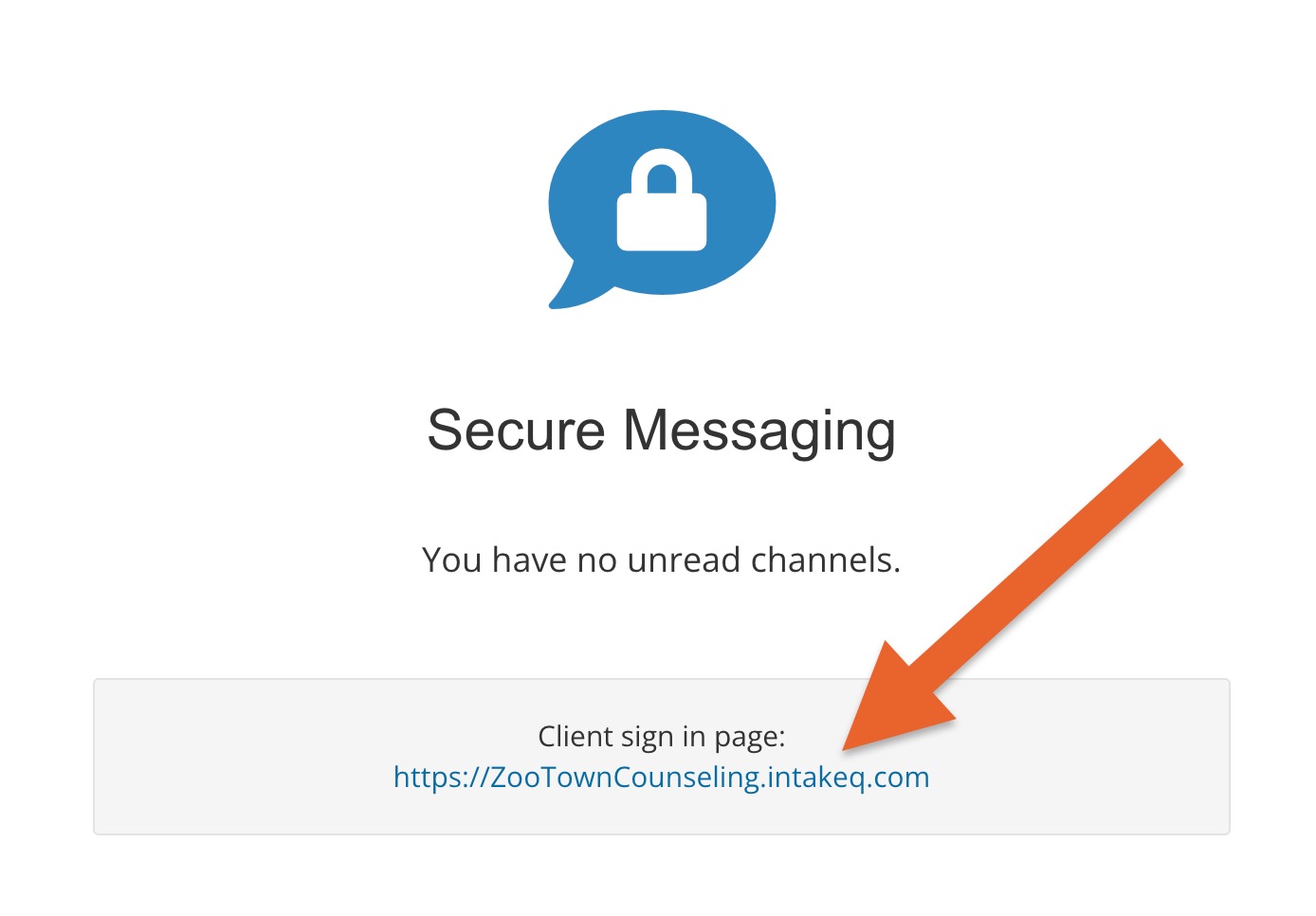
- Click the link underneath the Client sign in page heading.
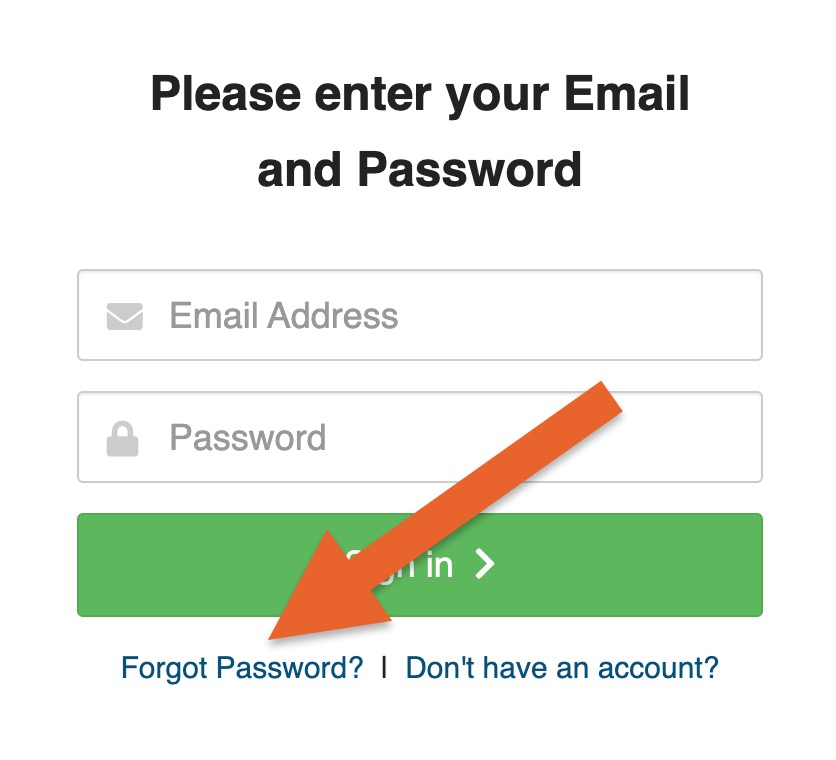
- On the next page, click the Forgot Password? link.
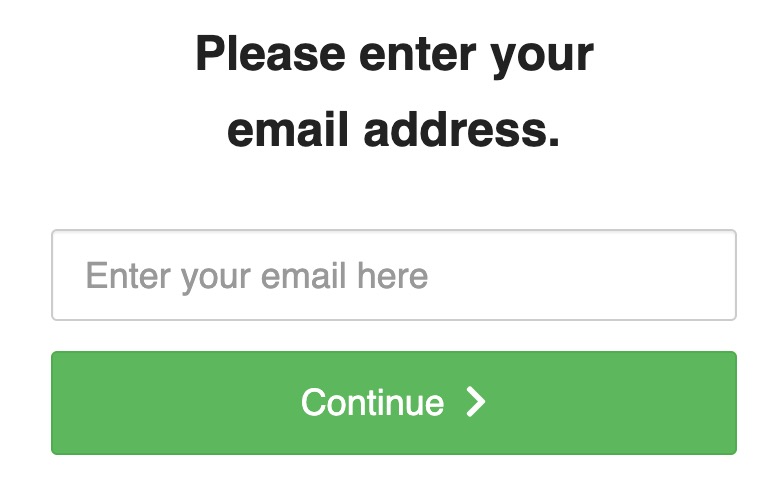
- On the next page, enter the client's email address.
- Click Continue to send the reset password link to the client.