.png)
Adopt Your Staff Signature
Would you like to sign forms and notes with fewer clicks? PracticeQ’sAdopted Signature feature allows you to save your digital signature for future use!
- Click More → Account.
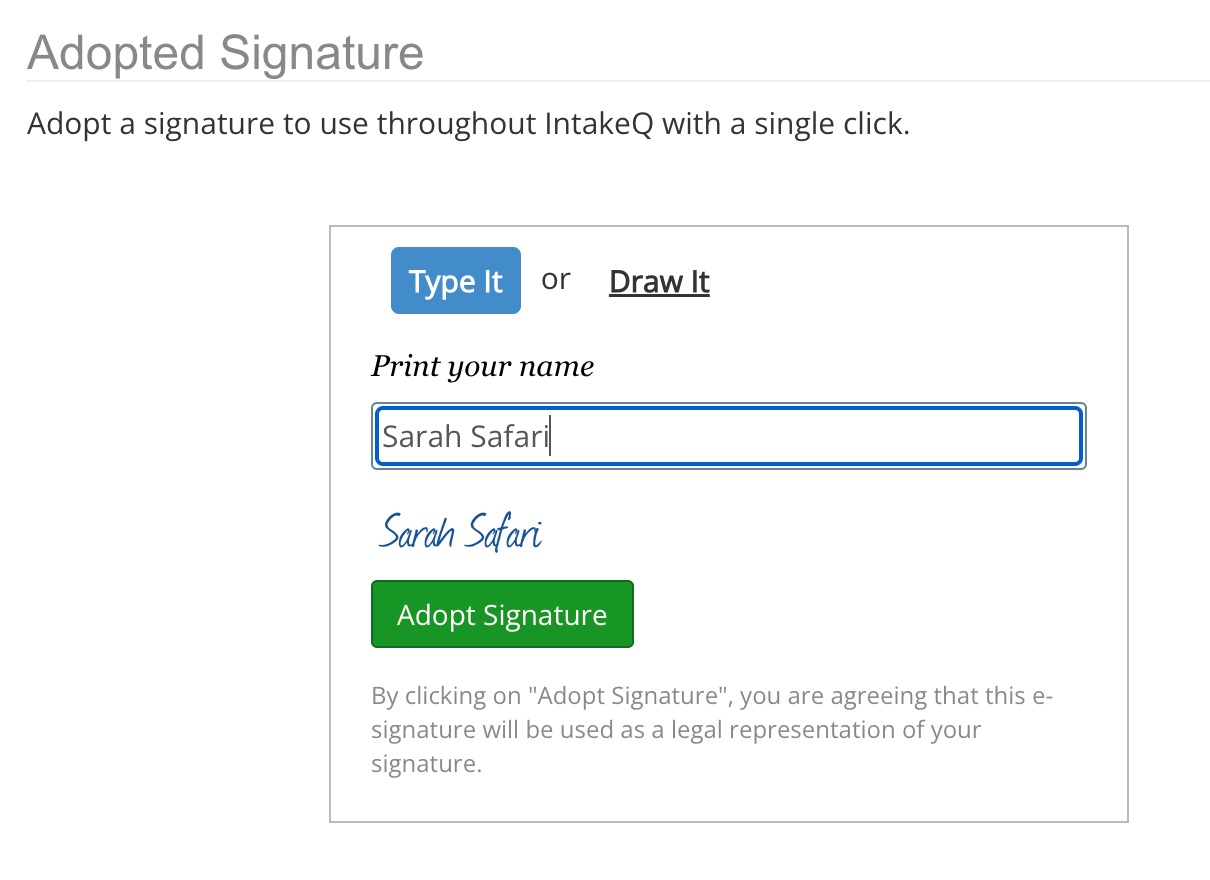
- Scroll down to the Adopted Signature heading.
- Select Type it or Draw it, then create your signature using your keyboard, mouse, or a stylus on a tablet.
- Click Adopt Signature.
- Moving forward, use the Click to Sign button to automatically insert your saved signature into forms and notes. Your IP address, date, and time stamp will also populate for verification.
Note: Your adopted signature will only be available for notes, questionnaires, and consent forms moving forward. It will not be added to documents that you have signed in the past.

After you have adopted your signature, you still have the option to click the enter a new signature option if you wish to sign manually instead. Doing so will not overwrite your adopted signature.