.png)
Engage - Select Timezone
If you need Engage reminders and confirmations to send in a different time zone than your practice location, simply use the Engage Timezone setting.
- Click Bookings → Booking Settings.
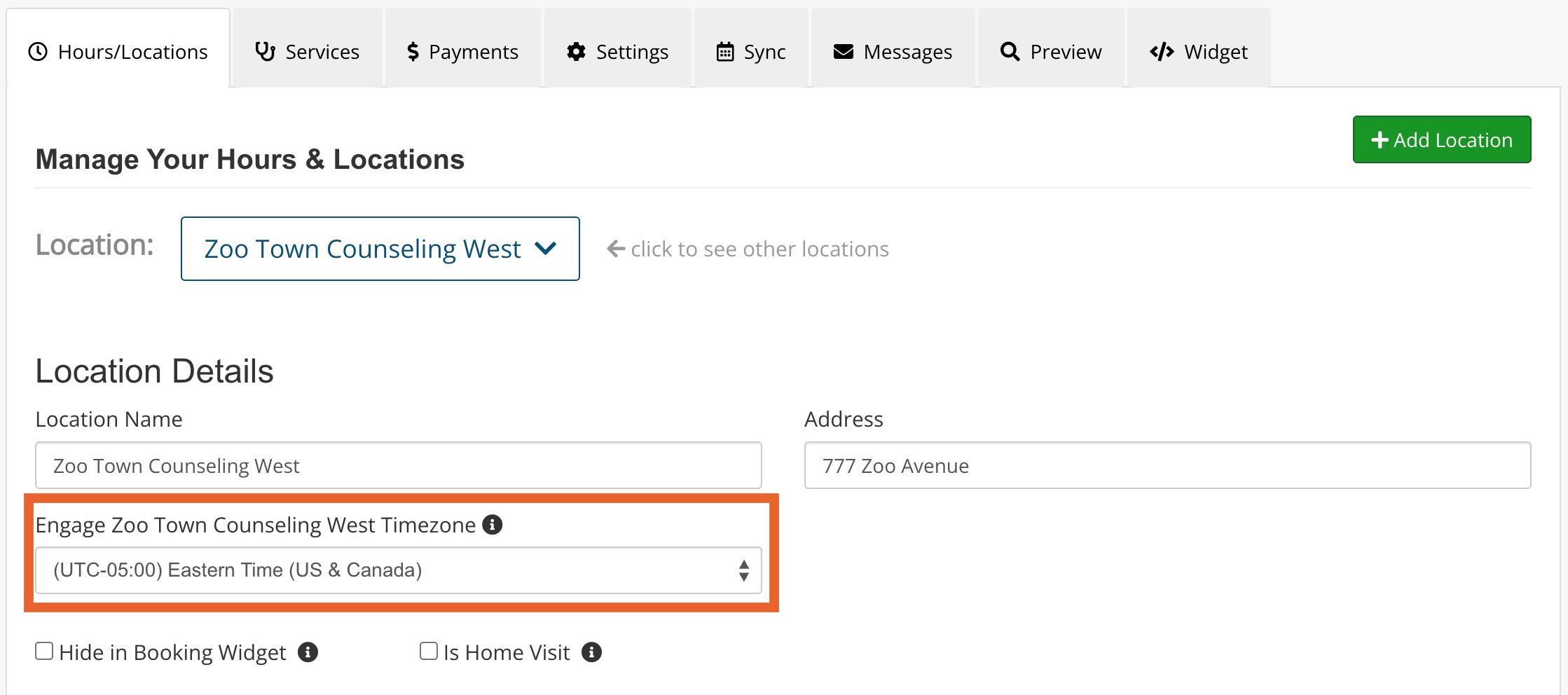
- You will land in the Hours/Locations tab by default. Select your desired location from the Location dropdown menu.
- Under the Location Details heading, you will see an Engage Timezone dropdown menu. Select the timezone you want Engage to use for the location.
- Click Save.
Note: This will update the timezone used in Engage but will not affect the appointment times for the location.