Transfer ALL Data from One Practitioner to Another
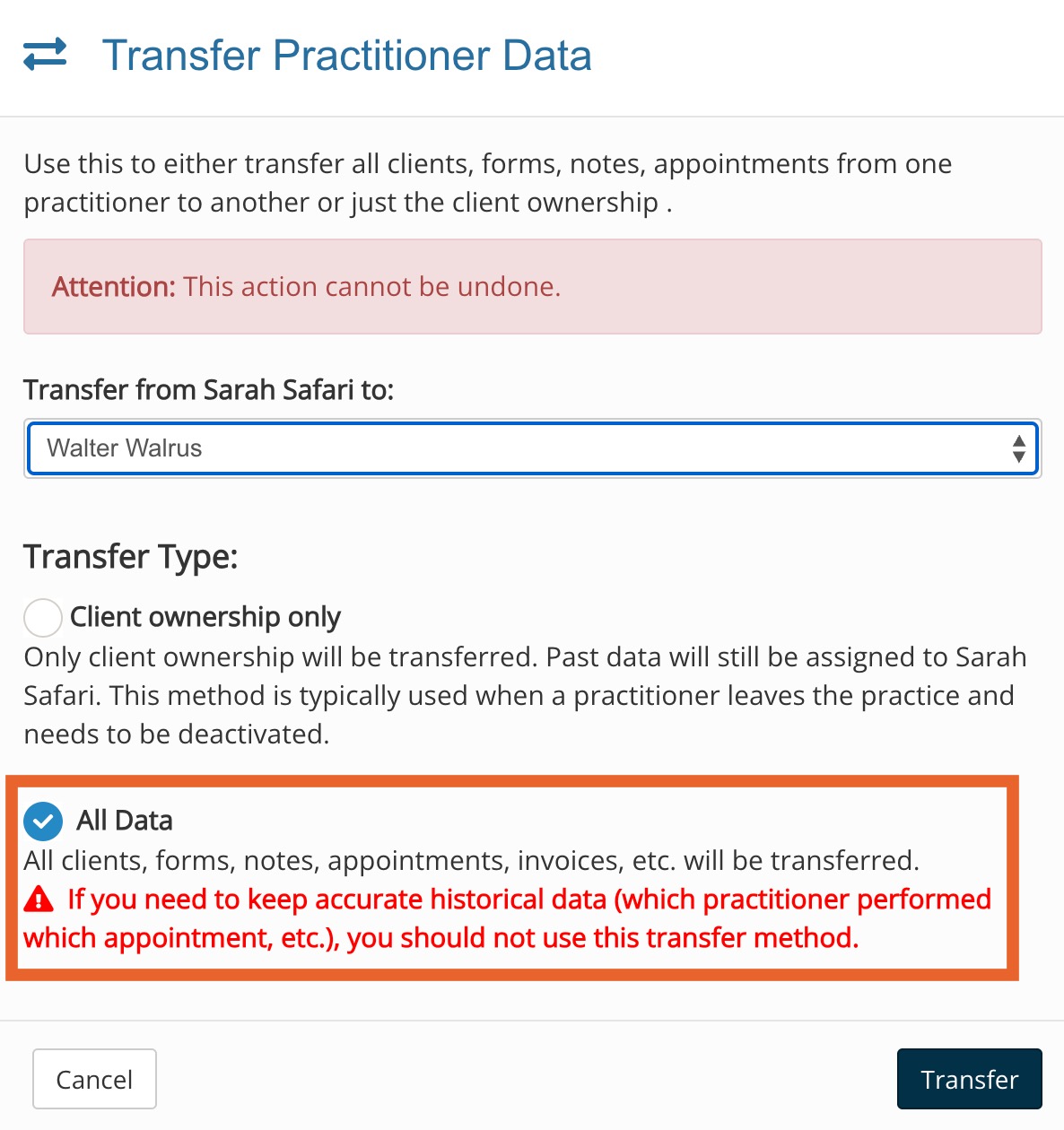
Want to know more about the "All Data" option when transferring data between practitioners? Here is what to expect when you perform this action.Once ALL of a practitioner's data is transferred to another practitioner and the original practitioner is deleted:
The deleted practitioner will no longer be able to log in to PracticeQ.
The following data from the deleted practitioner's account will belong to the practitioner you select in the "transfer all data" step:
Notes (While the note ownership will change to the new practitioner, the deleted practitioner's signature will still appear on past signed notes.)
Forms (While the form ownership will change to the new practitioner, the deleted practitioner's signature will still appear on past signed forms. This includes Journals as well.)
Recurring Payment Plans
The deleted practitioner's tasks will not transfer to the new practitioner when transferring all data. The deleted practitioner's tasks will disappear from the system.
The deleted practitioner will show in the Audit Trail when you view it under the Show all users filter.
The Audit Trail and Event logs remain historically accurate.
Client portal messages sent in the past by the deleted practitioner will still show their name.
Messages previously sent in client portal remain historically accurate.
Team messages sent in the past by the deleted practitioner will still show their name.
Staff comments made in the past by the deleted practitioner willnot show their name.
The Income, Appointments and Questionnaires reports will reflect the practitioner the data was transferred to. The Audit Trail and Event Logs will be the source of truth.
.png)
 Once ALL of a practitioner's data is transferred to another practitioner and the original practitioner is deleted:
 Once ALL of a practitioner's data is transferred to another practitioner and the original practitioner is deleted: