.png)
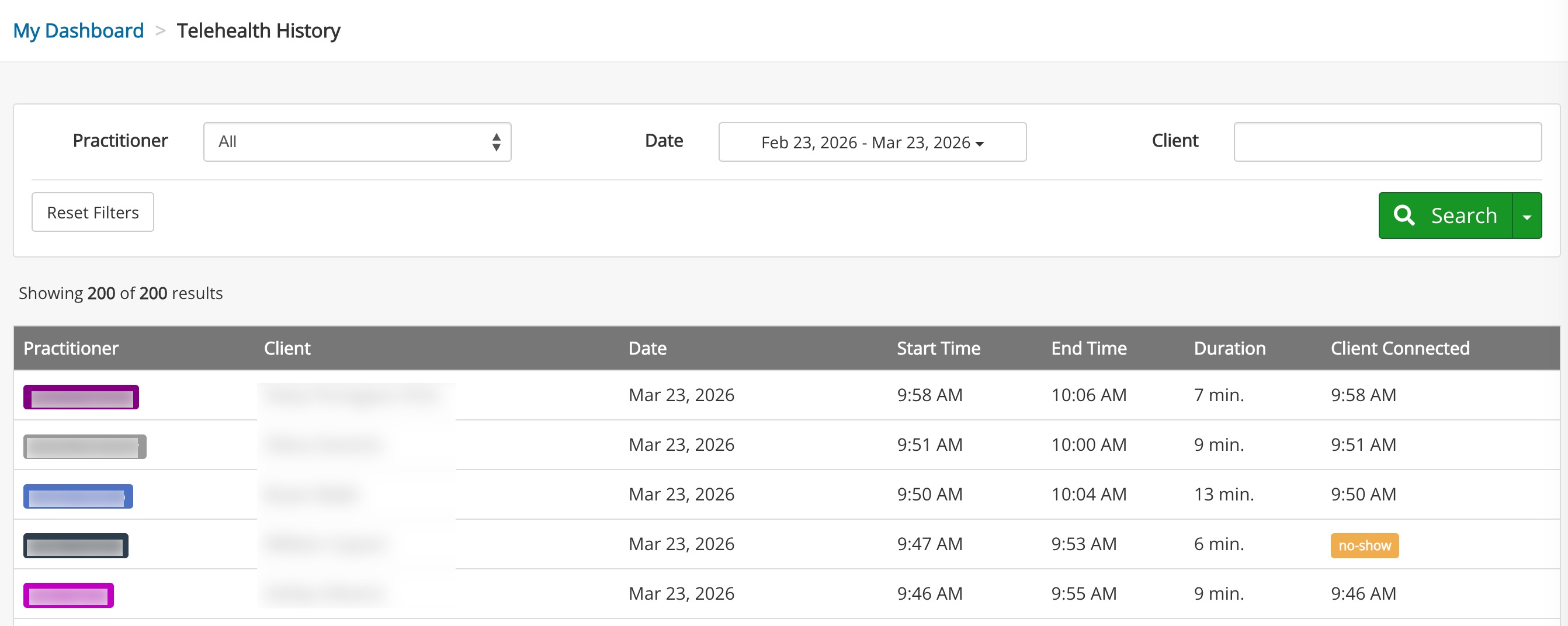
Telehealth History Report
Audit your past Telehealth sessions with the Telehealth History Report.
This report only reflects sessions using PracticeQ's native telehealth feature. To find information about your Google Meet or Zoom telehealth sessions, log into your account to view the reports.
- Click Reports → Telehealth.
- Select your filters:
- Practitioner
- Date
- Client
- The report will display the following information about the Telehealth sessions fitting your parameters:
- Practitioner
- Client
- Date
- Start Time
- End Time
- Duration
- Client Connected (this column will display a no-show tag if the client never answered the call)