Email Bounce Notifications
Learn who receives email bounce notifications in PracticeQ and when they are triggered.
When a client does not receive a form email:
- The client's practitioner will receive a bounce notification IF:
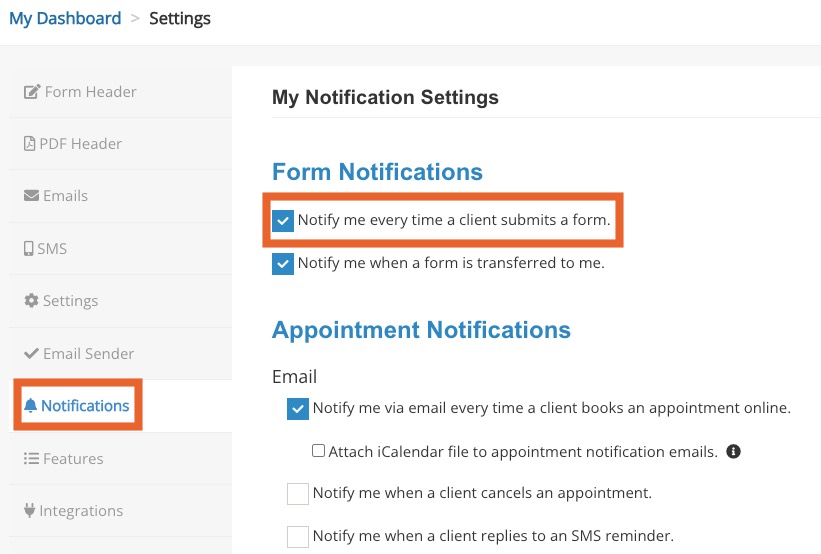
- The practitioner has Notify me every time a client submits a form selected in More → Settings → Notifications for their account.
- The account's Admin will receive a bounce notification IF:
- The client's practitioner has Notify me every time a client submits a form selected in More → Settings → Notifications for their account, AND
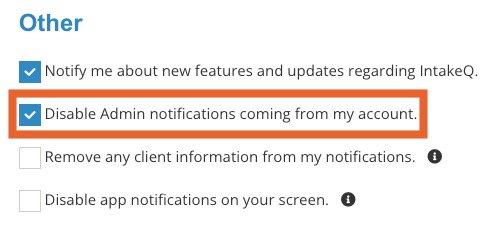
- The client's practitioner has NOT selected Disable Admin notifications coming from my account in More → Settings → Notifications for their account
- An assistant will receive a bounce notification IF:
- They manage the client's practitioner, AND
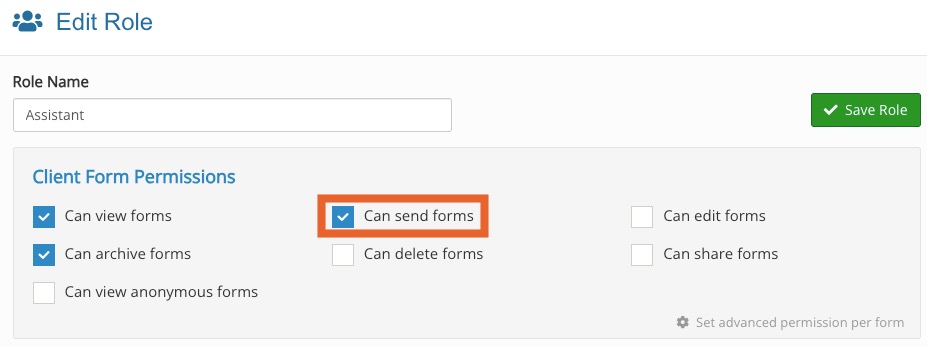
- They are granted the Can send forms permission.
When a client does not receive an appointment confirmation email:
- The client's practitioner will always receive a bounce notification.
- An assistant will receive a bounce notification IF:
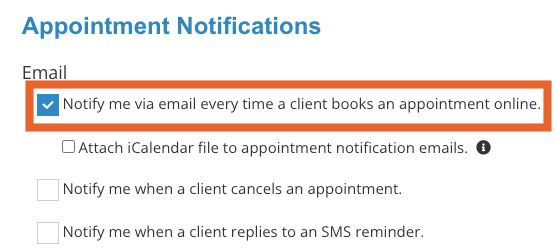
- They have Notify me via email every time a client books an appointment online selected in More → Settings → Notifications for their account, AND
- They manage the client's practitioner.
When a client does not receive an invoice:
- The client's practitioner will always receive a bounce notification.
.png)
