.png)
Check Your Email for Spam Flags
Want to improve email deliverability? Learn how to quickly check your emails for potential spam flags before sending them.
The Mail Tester website makes it easy!
Steps
- Prepare the email template you wish to send to clients.
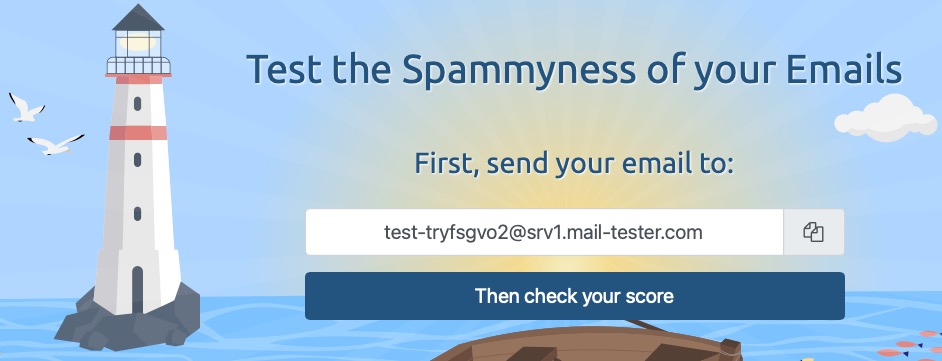
- Go to https://www.mail-tester.com/.
- Send your email to the address provided.
- Click the Then check your score button.
- Mail Tester will score your email on a scale of 0-10.
Score Breakdown
- 9 to 10: Perfect. Your email is highly optimized and unlikely to trigger filters.
- 7 to 8: Good, but there is room for improvement. Check the detailed breakdown below the score.
- 6 or lower: High risk of landing in the junk folder. You likely have issues with domain authentication (like SPF or DKIM) or blacklisted IP addresses.