.png)
ePrescribe: Archive a Prescription
Archive a prescription in ePrescribe in a few simple steps.
- Open the client's profile.
- Select the Prescriptions tab.
- You will land in the Prescriptions section of ePrescribe by default; locate the prescription you wish to archive.
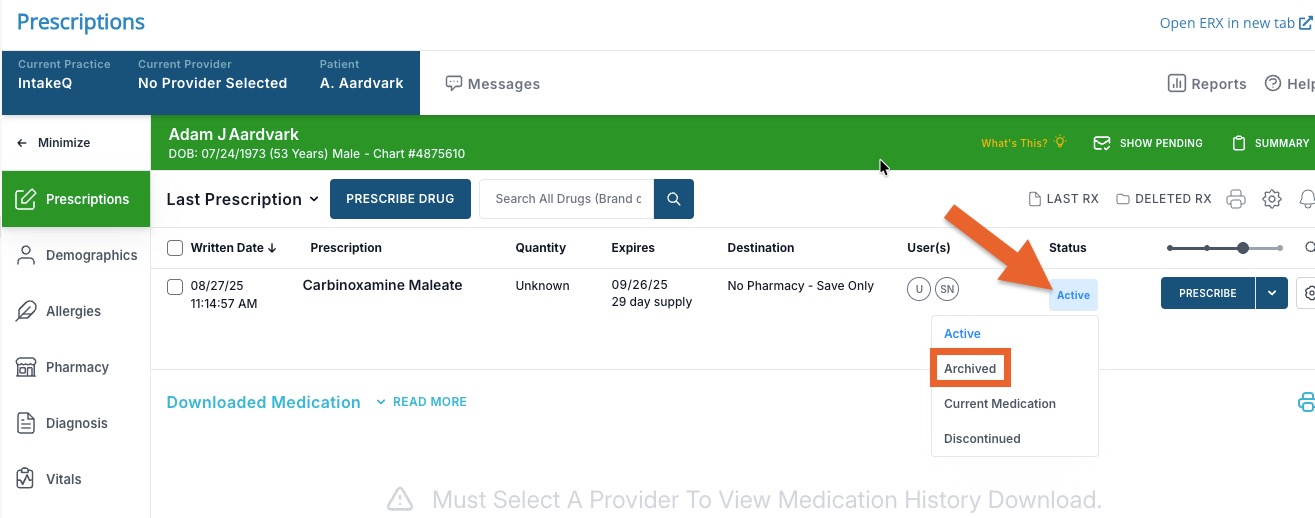
- Locate the Status column and click over the current status (such as Active).
- A dropdown menu will open; select the Archived option.
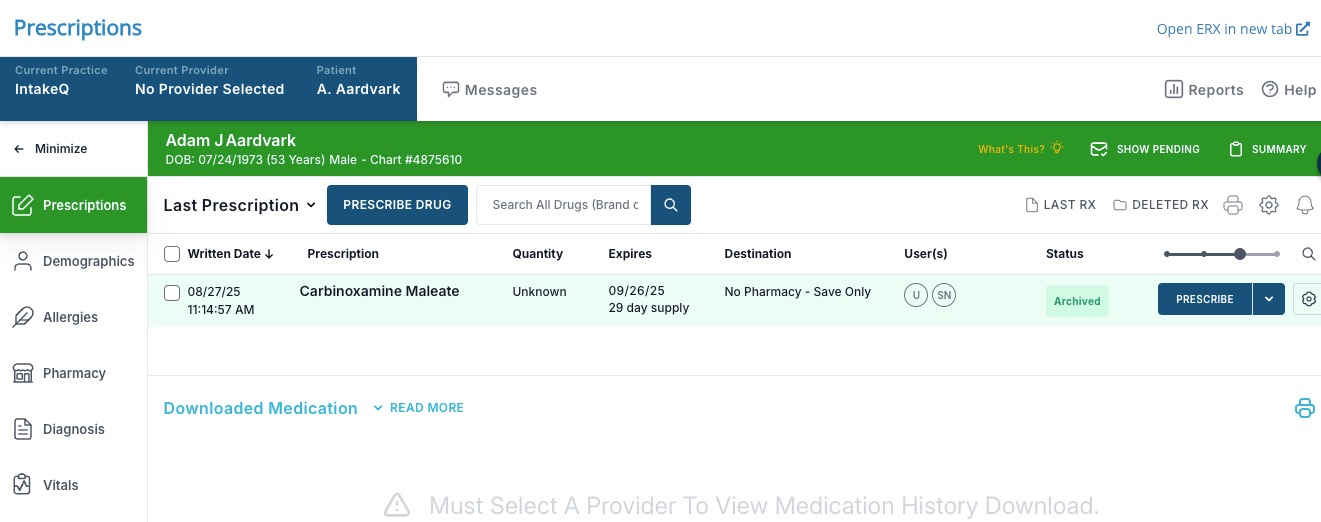
- The Status column will update to Archived.