Add Rich Text to a Note
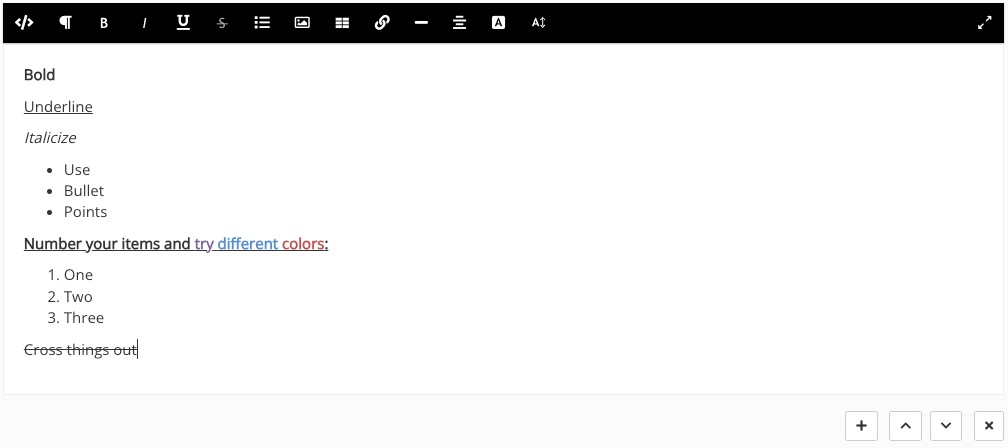
The "Add Rich Text" feature allows you to use an editor to include formatted paragraphs, letterheads, images, and even HTML to your client notes!
Add Rich Text
- Open the note you wish to edit.
- Click the plus sign icon and select Add Rich Text.

- This will insert a rich text editor below the existing item, enabling you to compose your text in various formats:
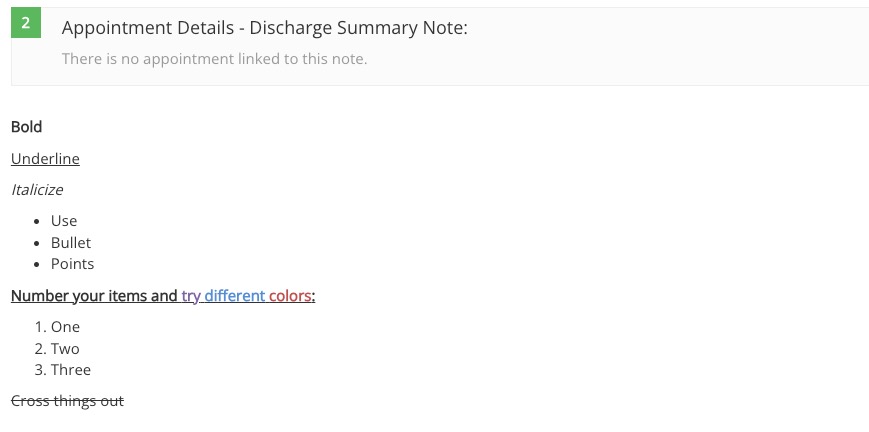
- Once the note is locked, the text will be put in read-only mode but will retain your custom rich text formatting:
No results found
.png)

