.png)
Set Booking Calendar as Default Login Page
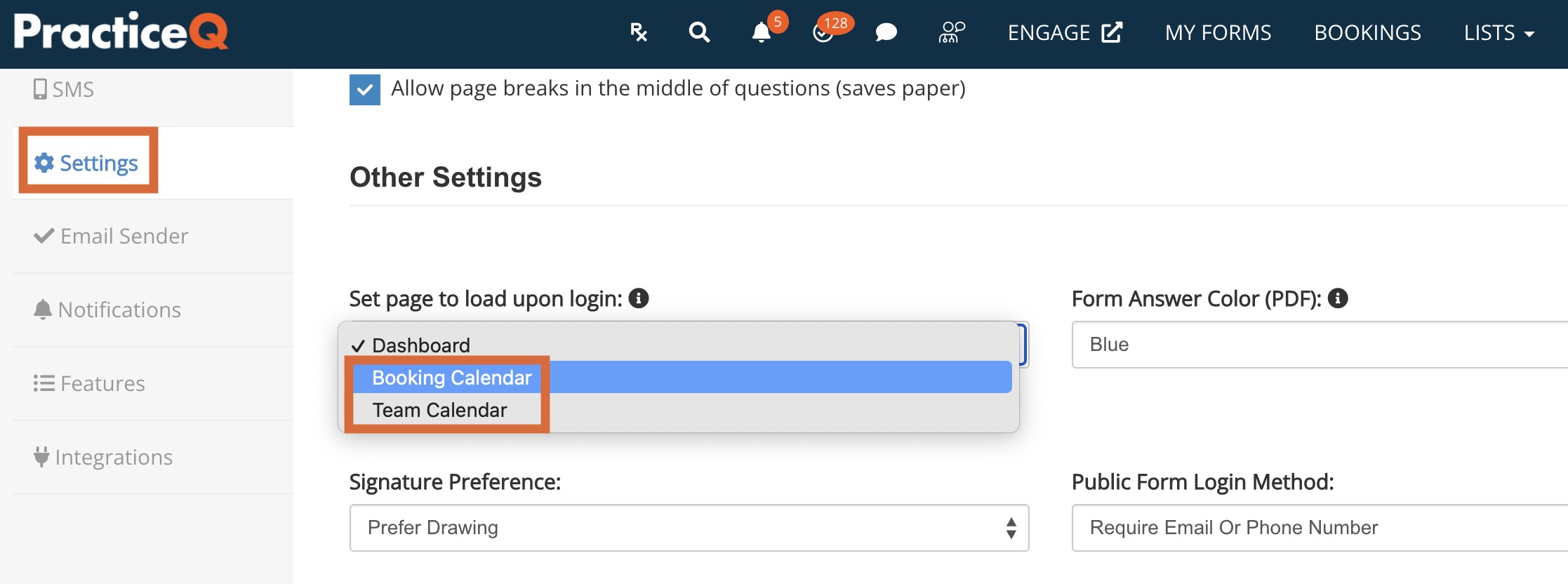
By default PracticeQ will display the Dashboard when you sign in. Would you like the Bookings Calendar to be the homepage instead?
Each user can control this setting for their individual sign-in!
- Click More → Settings.
- Select the Settings tab.
- Scroll down to the Other Settings heading.
- In the Set page to load upon login: dropdown, select Booking Calendar or Team Calendar, according to your preference.
- Sign out of PracticeQ, then sign back in to see your change take effect!