.png)
Send Forms to Contacts for Clients with No Email
Some clients - such as minors - do not have their own email in PracticeQ. Here is how to send forms to their contacts for completion.
If you have not done so already, add a contact to the client's profile.
- Click the Send Form to Client button from the PracticeQ dashboard.
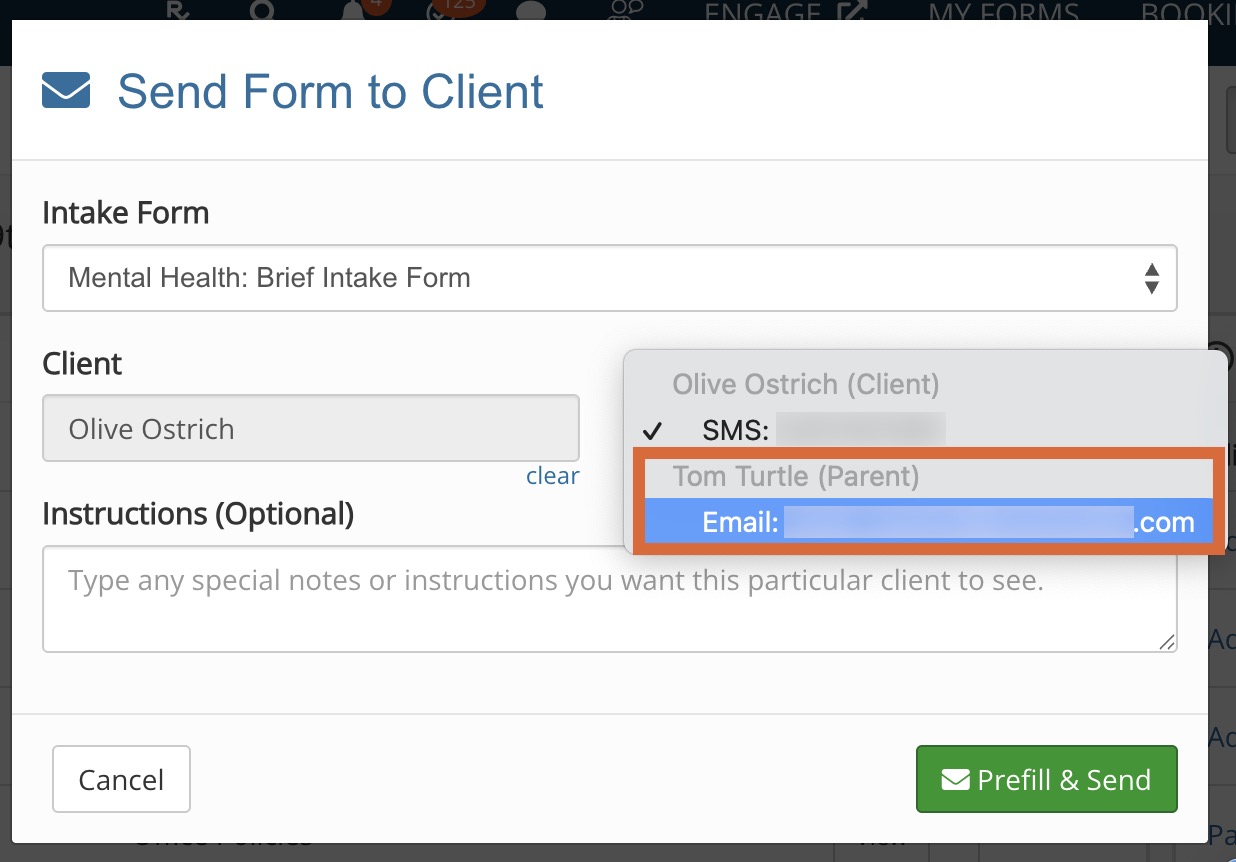
- In the window that opens, open the Send To Client: dropdown menu.
- Select the contact from the menu.
- Click Send Form or Prefill & Send.