.png)
Data Moved in Client Merges
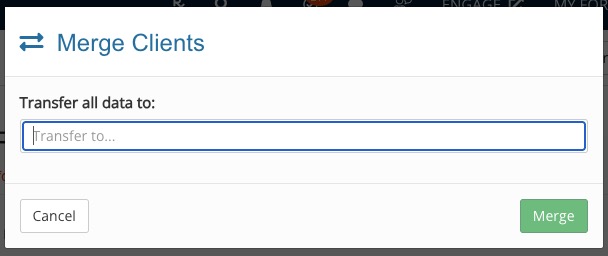
When you merge clients, the system transfers some, but not all, data. This article explains the data that will transfer when you choose to merge Client A to Client B, then delete Client A.
The following data transfers from Client A to Client B:
- Intake forms, including consent forms and treatment notes
- Appointments (including linked invoices)
- Appointment packages
- Invoices
- Superbills
- Claims
- Recurring payment plans
- Tasks
- Files
The following data does NOT transfer from Client A to Client B:
- Credit card information
- Mapped fields
- Pinned notes
- Staff Comments
- Event Logs
About the Secure Client Portal:
Keep the following information in mind when merging two clients
- If one client has a client portal but the other does not, the client portal will be linked to the remaining client.
- If both Client A and Client B have a client portal, the two portals will not merge; the portal for Client A (the client who will be deleted in the merge) will close.