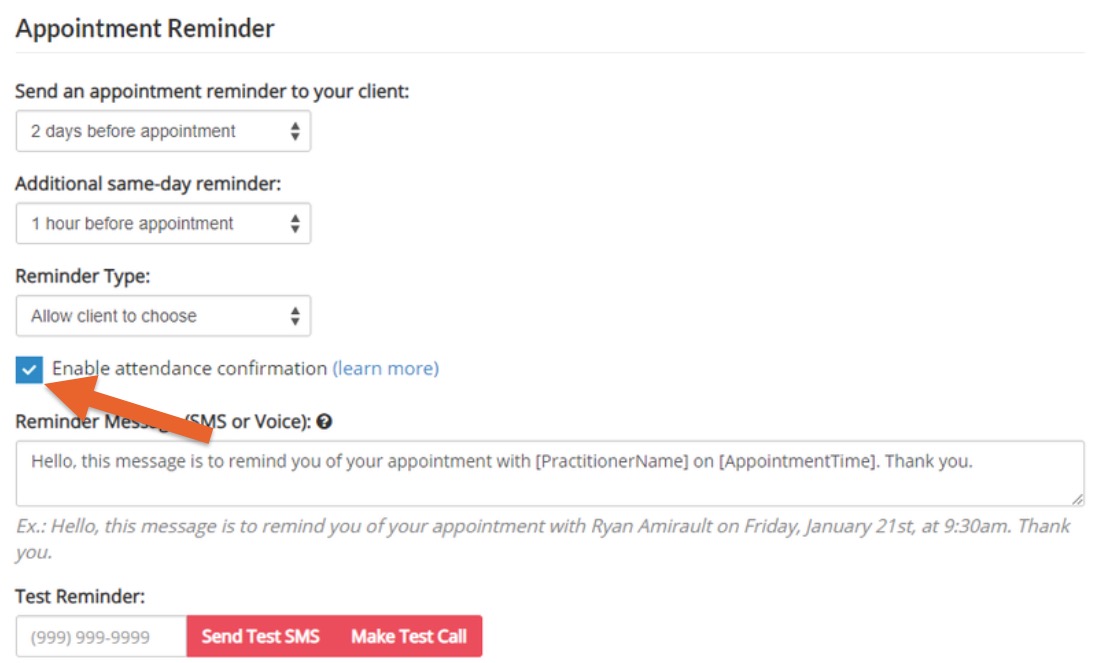
PracticeQ supports client responses to your SMS Appointment Reminders.
Client SMS Replies
PracticeQ will monitor automated appointment reminders and scheduled SMS messages for four days. If the client responds, the events log will update in their profile with their message.
To view the reply, open the client's profile and click More → Events to open the Events tab. There will be an entry labeled Client replied to SMS reminder. Click Details to view the message.
To enable notifications when clients reply to SMS reminders, go to More → Settings → Notifications.
When a client replies STOP to an SMS reminder, their reply is tracked as an opt-out in the event logs.
If attendance confirmation is enabled, client replies will be tracked as follows:
.png)