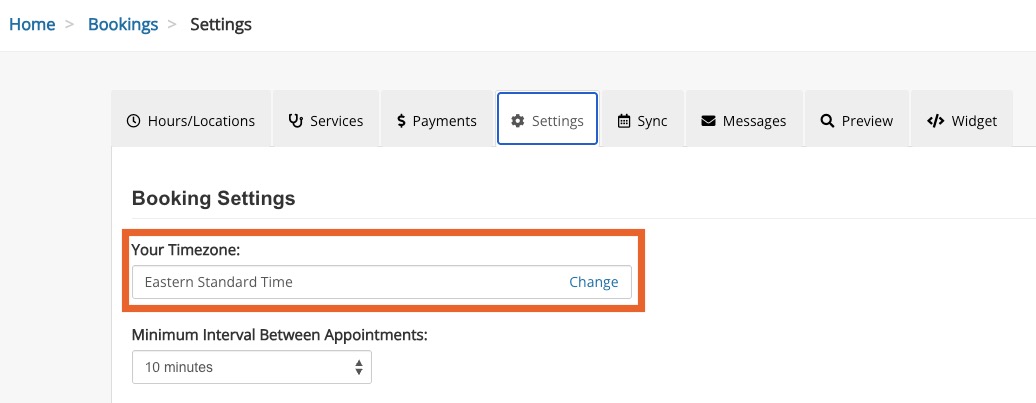
Update Practitioner Timezone
It's easy to change the timezone associated with your practitioner account!
- The steps below show you how to change the timezone for yourself as a practitioner.
- If you use Engage and wish to apply a timezone to a location, click here for the steps.
Update Your Practitioner Timezone
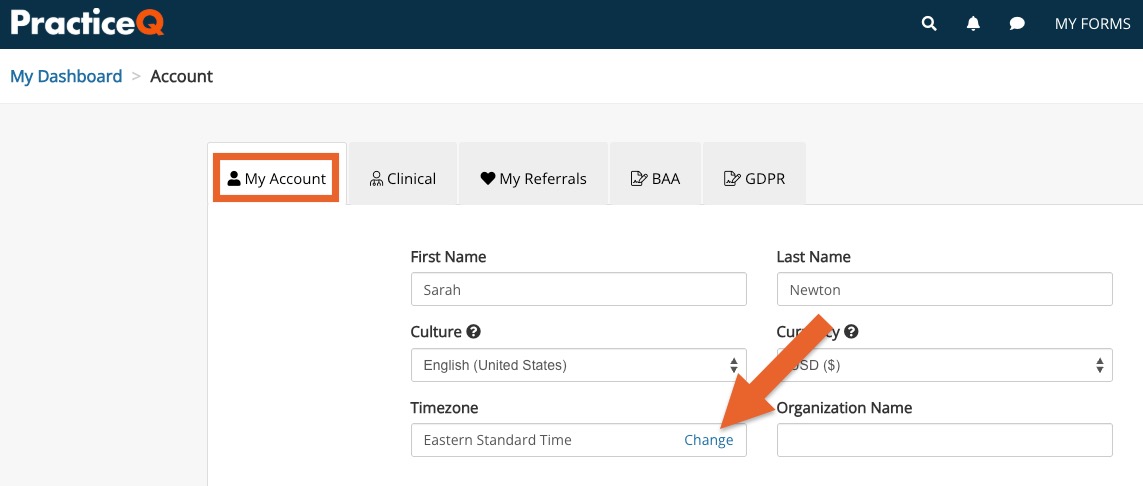
- Click More → Account.
- You will land in the My Account tab by default.
- Locate the Timezone heading; your current timezone will display.
- Click Change.
- In the Practitioner Timezone window that opens, note the message that displays. This alerts you that changing the timezone may transfer existing appointments to the new timezone.
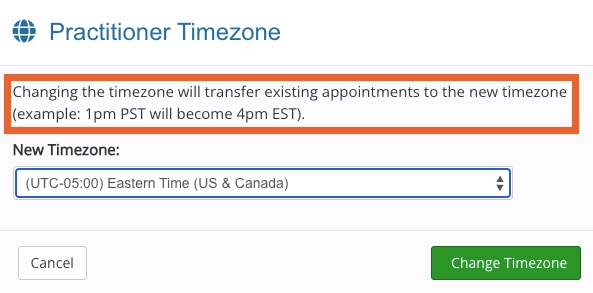
- Open the New Timezone dropdown menu.
- Select your desired timezone and click Change Timezone.
- Your selection will automatically carry over to the Settings tab of your Booking Settings; you do not need to change it in both places.