.png)
Create a Task
Once you have enabled the Task Management feature, you can create tasks in two ways.
- Click the checkmark icon on the toolbar to open your task list, and then click the New Task button.
- Click the Tasks icon on the top right corner of the client profile page. This will automatically associate the task with the current client.

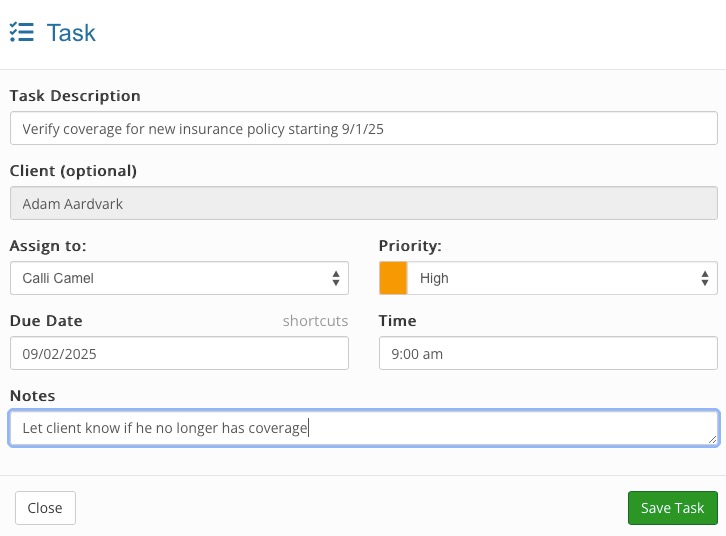
- Enter the following:
- Task Description
- Assign to: (if not assigned to you)
- Priority
- Due Date
- Time due on Due Date
- Notes
- Click Save Task.
Note: Only tasks that are due in less than 24 hours and still pending will show in the Task Notification popup bubble.

