.png)
Engage - Delete, Archive, or Ban a Client
What happens in Engage when you delete, archive, or ban a client in PracticeQ?
Remember: PracticeQ is the source of truth. It's best to delete, archive, or ban clients in PracticeQ instead of changing client statuses in Engage.
How to Change Client Status in PracticeQ
What happens in Engage when you change a client's status in PracticeQ:
When you delete a client, Engage will:
- Remove future appointment information
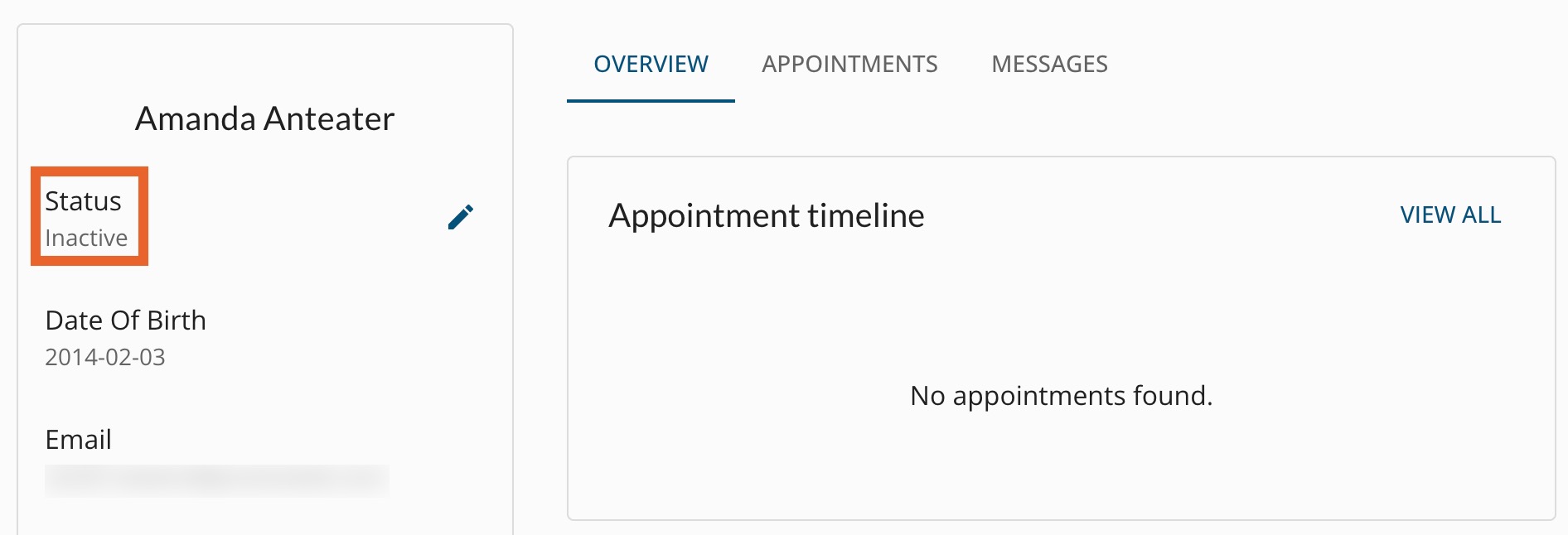
- Update their status to Inactive within five minutes.
When you archive a client, Engage will:
- Remove future appointment information
- Update their status to Inactive within five minutes.
When you ban a client, Engage will:
- Remove future appointment information
- Update their status to Inactive within five minutes.
Check a client's status in Engage
- Click Engage from the PracticeQ toolbar.
- Select the Patients tab, then click Patients.
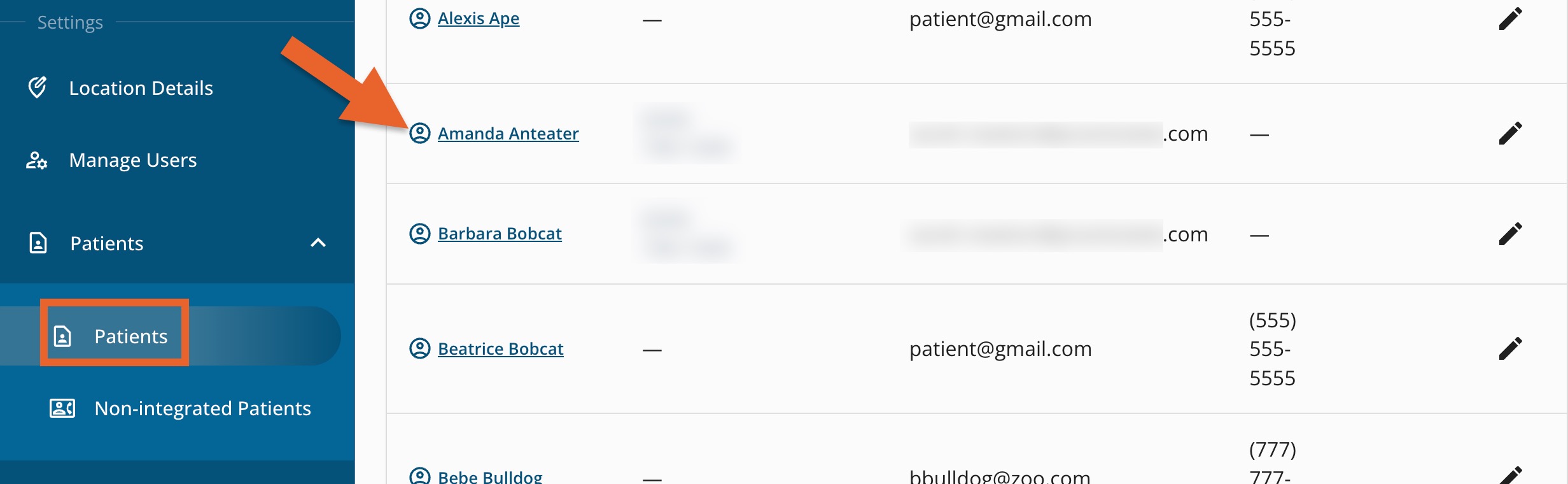
- Locate the client on the list and click their name.
- Note the client's Status. If it needs to be changed, make the change in PracticeQ, not in the Engage interface.