.png)
Send Appointment Confirmations (Provider Appointment Approval Emails)
When you create an appointment in PracticeQ, you can send an email confirmation to the client.
- Click Bookings and select the date.
- Enter the Client Name and information.
- Check the box labeled Send provider appointment approval email to client.
- Click Save.
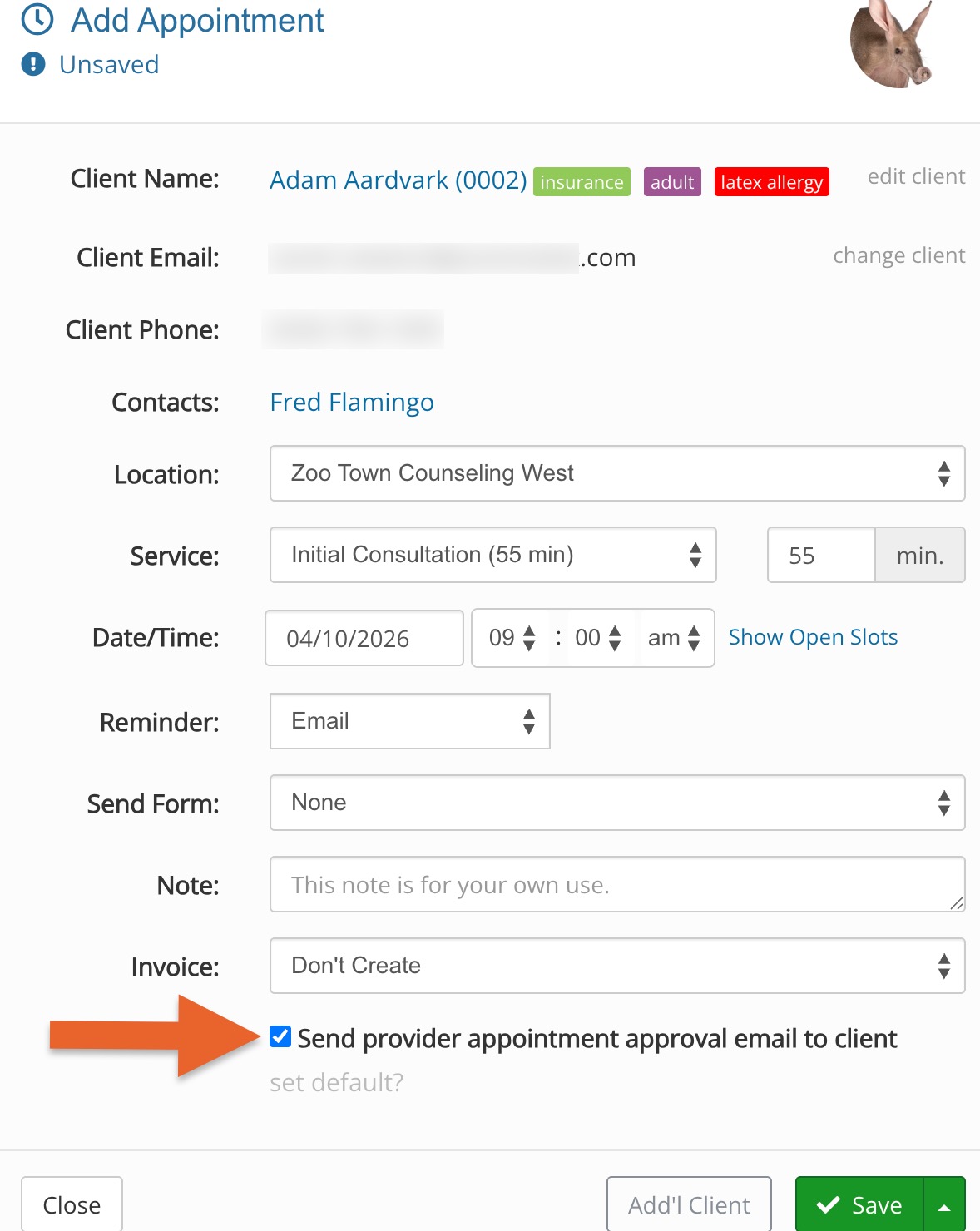
Note: The Send provider appointment approval email to client checkbox will only display if the approval email has not yet been sent.
- If you need to resend the email notification, click More → Resend Confirmation.
