.png)
Engage - View Your Schedule
View your clinic schedule in Engage to see confirmations and missed appointments at a glance!
- Click Engage from your PracticeQ toolbar.
- Click Appointments → Schedule.
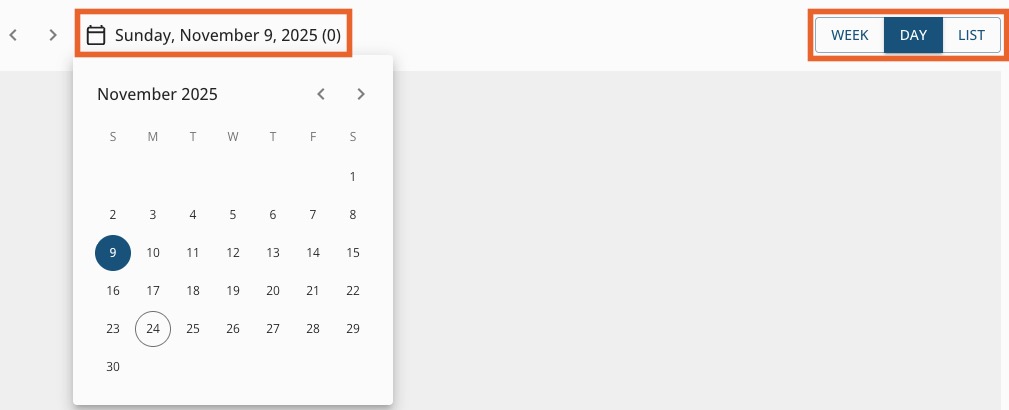
- On the top right of the page, select Week, Day or List view.
- Click the Date on the top left to select the date or date range you wish to see.
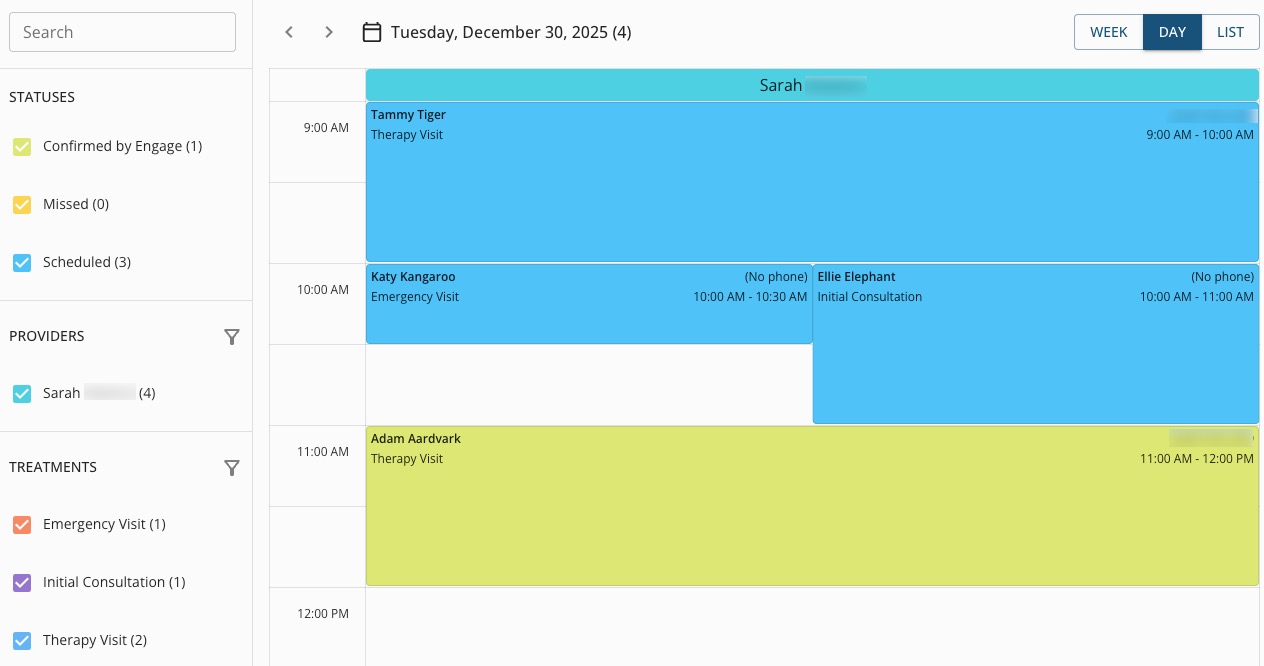
- On the left toolbar, select the Statuses you wish to view. Your options are:
- Confirmed by Engage. These are appointments that clients have confirmed by responding to email and text reminders.
- Missed
- Scheduled
- Select the Providers you wish to view. Each provider will display in a different color.
- Select the Treatments (Services) you wish to view.
For more about Engage and how you can add it to your PracticeQ account, click here.