.png)
Engage - Issues Connecting Facebook Account
Having trouble connecting your practice Facebook account in Engage?
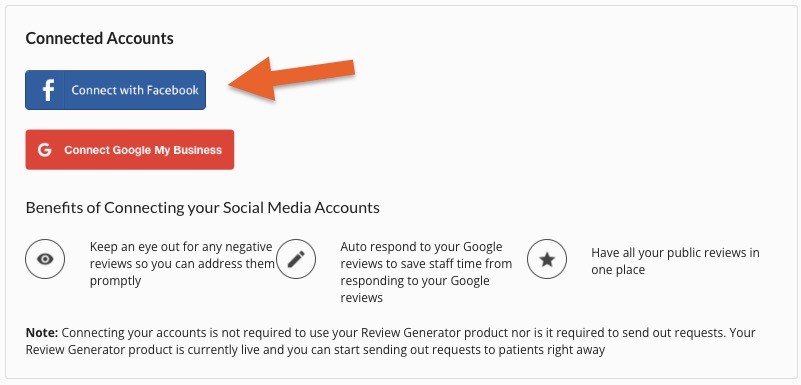
When you connect your Facebook business account to Engage, a single user logs in to authenticate the connection. This user must have the correct Facebook Page permission level.
Accepted Page Roles that allow the Engage API to access Facebook reviews:
If the Facebook page is set up in Business Manager (most common):
- User must have Page Access → Full Control, OR
- User must be Business Manager: Admin of the Page
If the Facebook page uses Classic Page roles (this is the case with older pages):
- User must be set to Admin
- Editor, Moderator, and Analyst roles are not sufficient
Why?
- Only users with Admin-level access can grant all the permissions needed for API calls to page-owned data such as reviews, ratings, and page fields.
For more about Engage and how you can add it to your PracticeQ account, click here.