.png)
Engage - Connect Your Facebook Account to Engage
Connect your Facebook account to Engage to see recent client reviews in the Public Reviews section of the Engage dashboard.
- Click Engage on your PracticeQ toolbar.
- Click Settings → Location Details.
- Click the Connect with Facebook button.
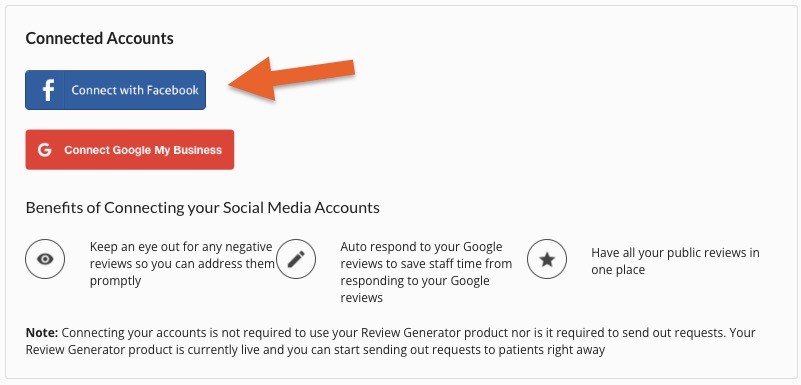
- Log in to your Facebook account. This may be a personal account; see Note below.
- Follow the prompts to allow Engage to access the reviews on your Facebook business page.
If you have trouble connecting your Facebook account, refer to the article here.
Note: Allowing access gives Engage the ability to display Facebook reviews on your dashboard. It does NOT grant access to any other information.
For more about Engage and how you can add it to your PracticeQ account, click here.