.png)
ePrescribe: Cancel a Prescription
After a prescription has been sent to the pharmacy, you have the option to cancel it.
There is no guarantee the prescription will be canceled. For example, if the pharmacy has already filled the prescription and the patient has picked it up, the prescription can no longer be canceled.
Not all pharmacies are certified to receive Cancel Prescription requests.
- Click Lists → Clients and open the client's profile.
- Select the Prescriptions tab.
- The client's profile in the ScriptSure interface will display.
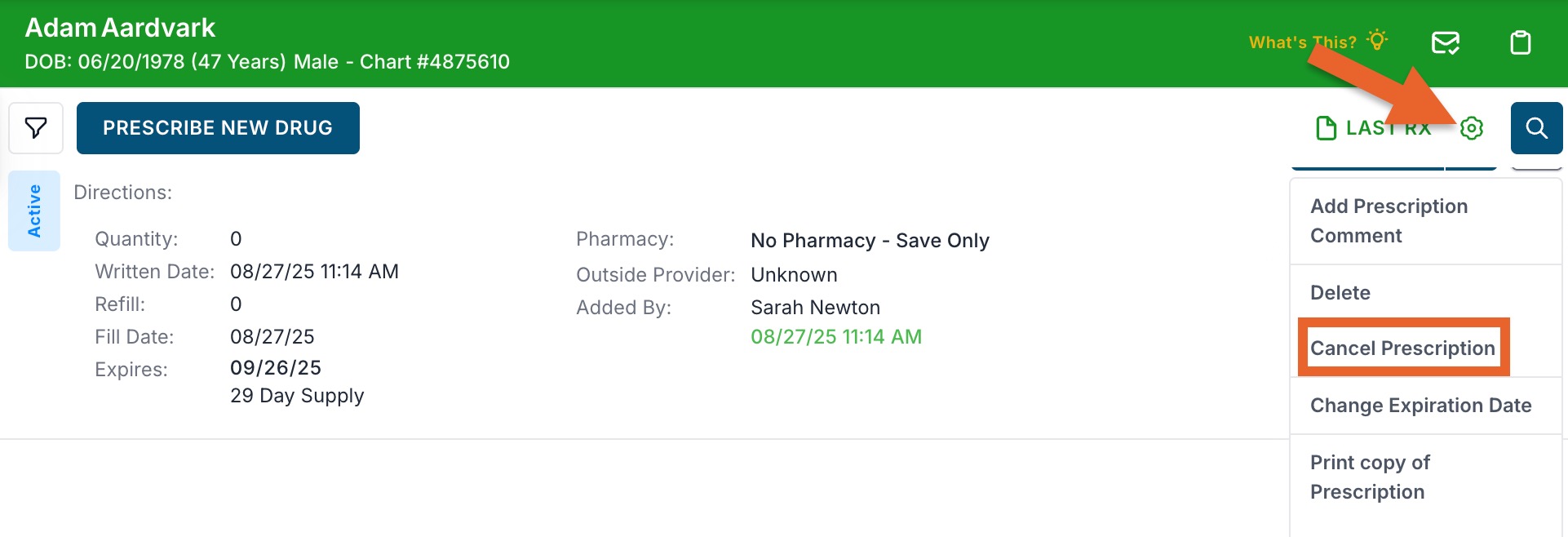
- Locate the prescription and click the gear wheel icon.
- Click Cancel Prescription to notify the pharmacy of the cancel request.
- The prescription's status will show Cancellation Pending.

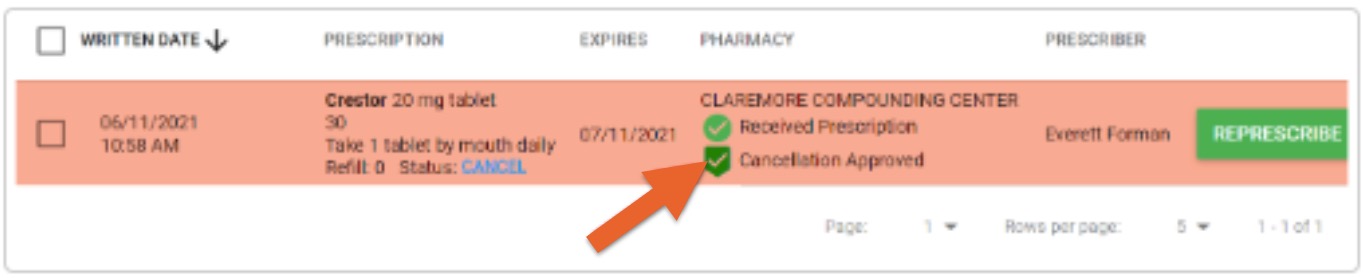
- If the pharmacy approves the cancellation, the status will be updated to Cancellation Approved.