.png)
Engage - Send a Broadcast Text Via Bookings
Broadcast a text to all clients with appointments booked in a chosen date range.
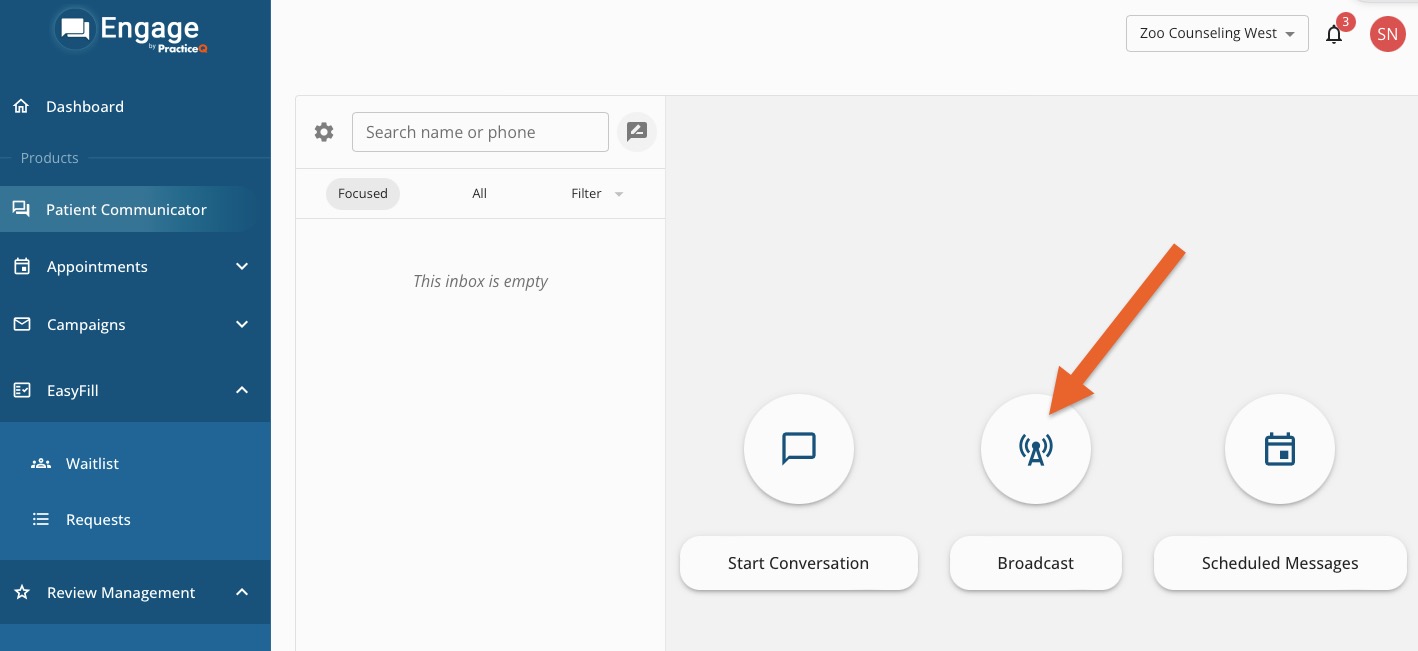
- Click Engage from on your PracticeQ toolbar.
- Click Patient Communicator.
- Click Broadcast.
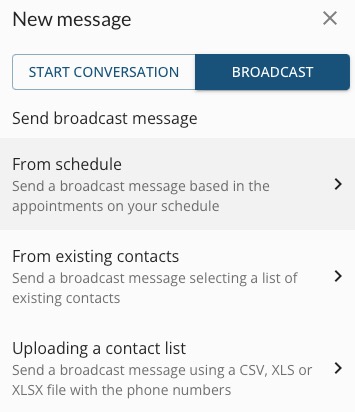
- Choose From Schedule.
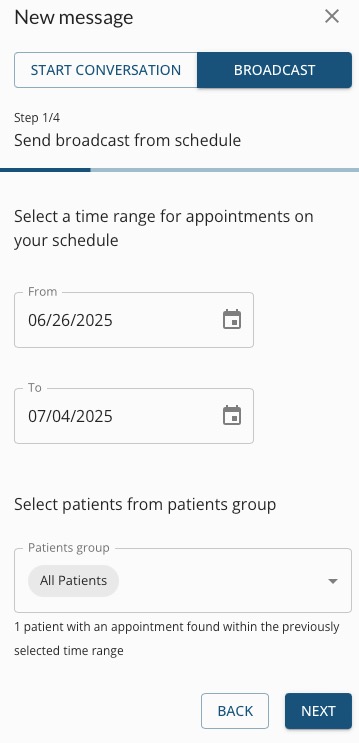
- Enter the date range for the appointments. The system will pull in all clients with a mobile phone number in their PracticeQ profile. A mass text will be sent to these patients unless their appointments are marked as Canceled or No Show.
- If you want to target a specific patient group that you have created in the past, select the group from the Patients group field. To learn more about creating patient groups, click here.
- Click NEXT.
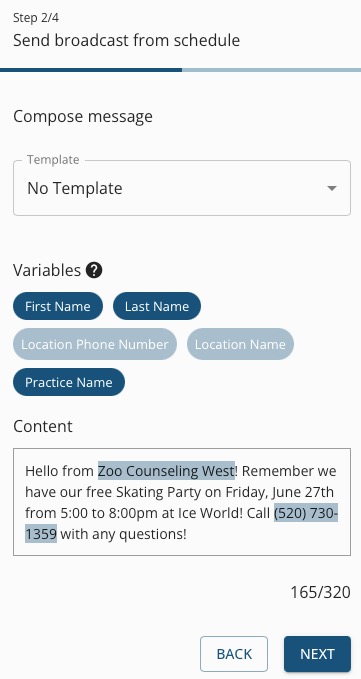
- Choose a template or free-form type your message.
- Click NEXT.
- Confirm the details of the message and the contacts to whom the message will be sent. If needed, un-check contacts before sending.
- Click SUBMIT to confirm.
For more about Engage and how you can add it to your PracticeQ account, click here.