.png)
Q-Tips
If you're new to PracticeQ, you'll notice orange lightbulb icons throughout the application. These are Q-Tips - short, dynamic tips designed to streamline your experience.
Time-Saving Pricing Tool!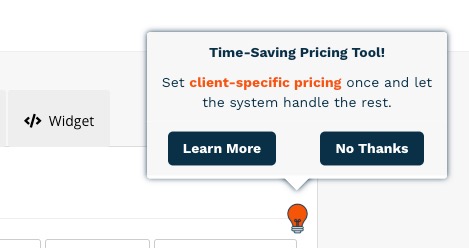
- Learn more about price schedules: Price Schedule: Set Custom Rates per Client
Keep your accountant in the loop!

- Learn more about exporting invoices: Export Invoices to CSV
See how clients respond to your forms!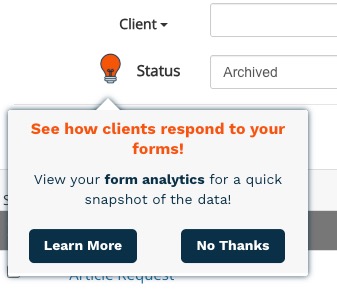
- Learn more about form analytics: View Your Questionnaire Analytics
Have you entered Claim Defaults for your clients?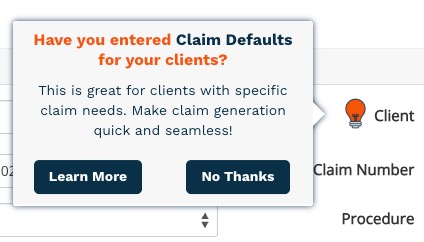
- Learn more about claim defaults: Claim Defaults for Clients
Sync it up!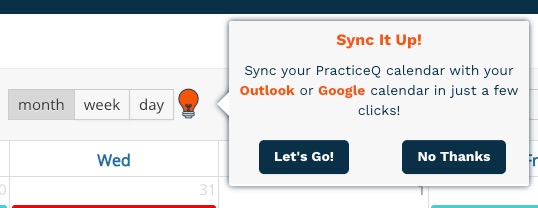
- Learn more about syncing your PracticeQ calendar to Google or Outlook:
Questionnaire Starter Guide

- Check out the Questionnaire Starter Guide: A Starter Guide to Questionnaires
Consent Form Starter Guide

- Check out the Consent Form Starter Guide: A Starter Guide to Consent Forms
Note Template Starter Guide

- Check out the Note Template Starter Guide: A Starter Guide to Note Templates
Form Conversion Feature

- Read more about how we can convert your existing forms: How Do I Convert a Paper Form to an Online Intake Form?
Tag, You're It!

- Read more about creating client tags: Create Client Tags
Need a place for internal notes?

- Read more about the Staff Comments feature: Staff Comments
See your forms as your clients do!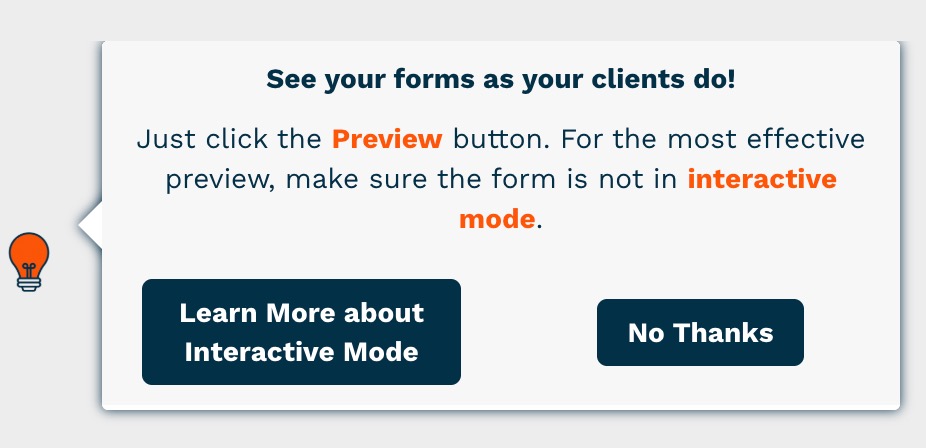
- Read more about previewing forms and how interactive mode works: Interactive Form Mode
Do you offer virtual appointments?
- Read more about enabling Telehealth for your services: PracticeQ Telehealth
Automatically update your invoices with ERA returns!

Learn all about Claim Settings!

- Learn more about Claim Settings: Set Up Claim Settings: Defaults, Facilities, and Providers
Learn all about billing!

- Watch the Billing Made Easy webinar here.
Clients asking for superbills?

- Read more about superbills: Enable and Set Up Superbills
Gather insurance info in a snap!

- Read more: Mapped Insurance Questions
Make claims easy!

- Learn more about our clearinghouse integrations here:
Ready to generate claims?

- Learn more about creating claims in PracticeQ: Checklist: Get Started with Billing!
Enable the Patient Diagnosis feature!

- Read more: Use the Patient Diagnosis Feature
Skip manual entry!

- Read more: Import Procedure Codes
Let PQ handle the calculations!

Need to see your daily tasks?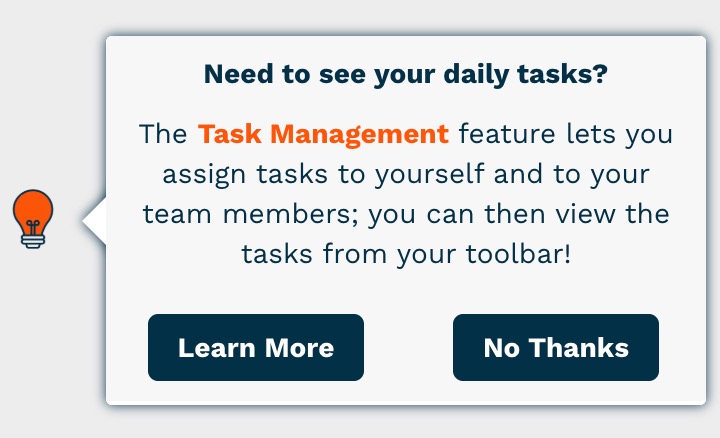
- Read more: Enable Task Management
Tired of sending the same forms over and over?

- Read more: Set Up the Journals Feature
Have you adopted your signature yet?

Learn more about signature adoption here:
Don't start from scratch!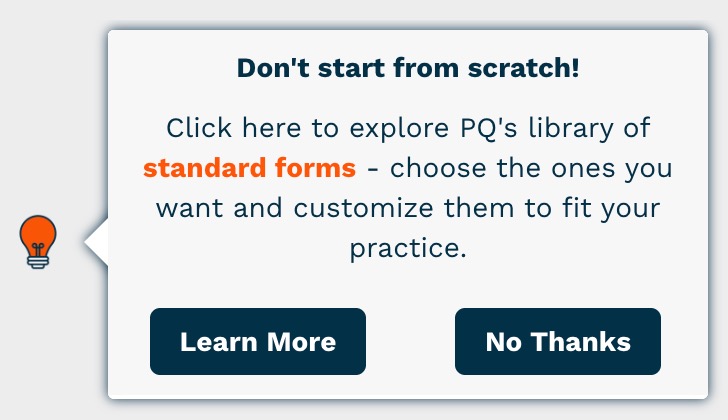
- Read more: Import Standard Forms
Organize your forms with ease!

- Read more: Form Folder Management
Tired of entering manual charges?

- Read more: Enter Auto-Charge Settings
Don't Miss a Note!

- Read more: Identify Appointments with Missing Notes
Showcase your practitioners!

Boost your online bookings!

- Read more: Appointment Packages
Tired of sending forms one at a time?

- Read more: Get the Public URL of an Intake Form
Need more information?

- Read more: Reject an Intake Form
Show Your Colors!

- Read more: Enable Color-Coded Services on your Calendar